WordPress Backups Made Easy
Protect your WordPress site and make changes with confidence – Backup and Restore included with EVERY DreamPress Plan.
- Automated Daily Backups
- On-Demand Backups
- Easy, One-Click Restore
The Ultimate Undo Button...
Just In Case
Regular, reliable backups are the best way to protect your website investment from unexpected disasters. Thanks to Backup & Restore, you can boldly test and make changes – and if anything ever goes wrong, a fresh backup is always just a click away.
A User-Friendly Interface
Built to be intuitive, you can easily access any of your backups in one place and restore them in just a few clicks – no plugins required.
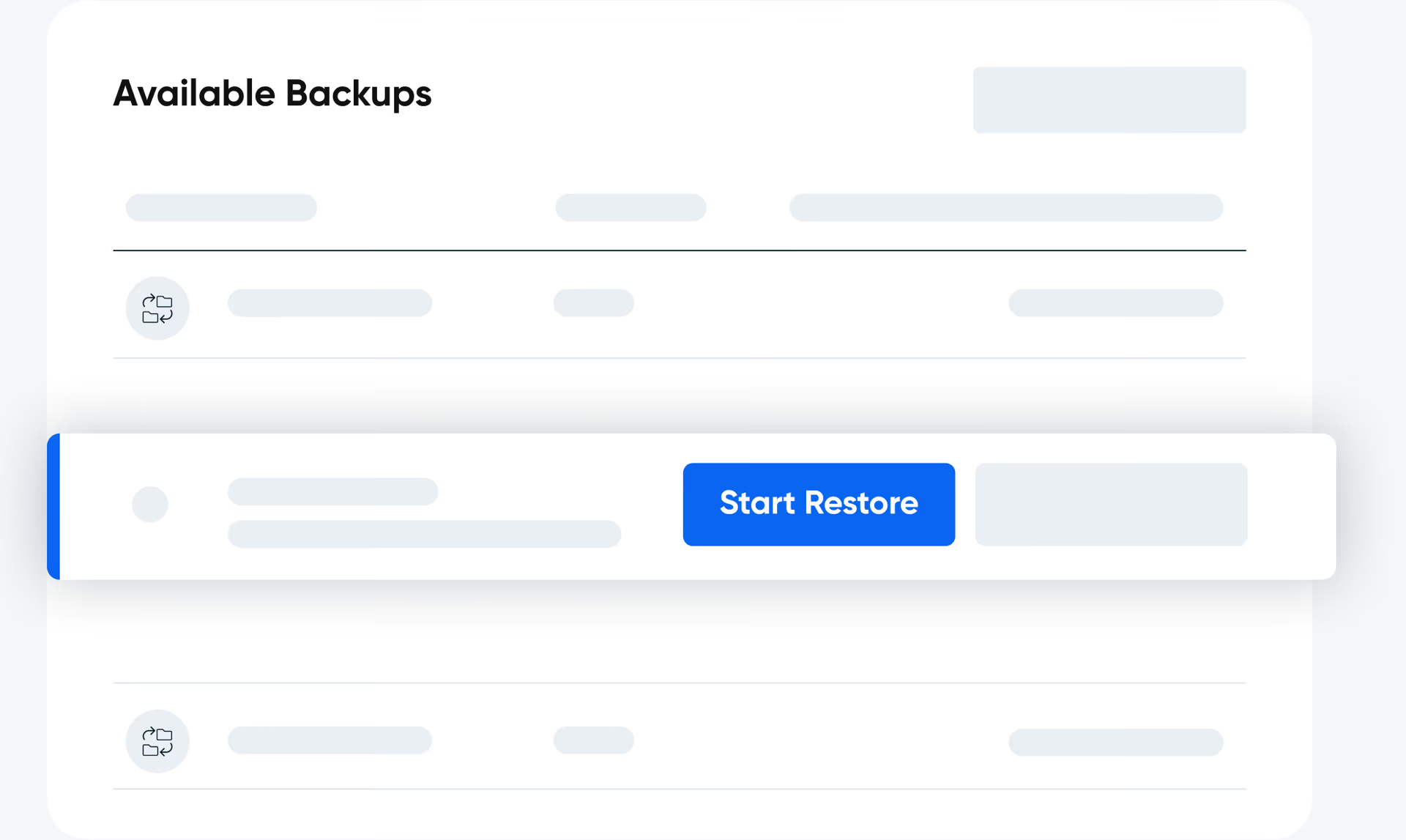
On-Demand Backups
Create a backup of your site anytime with a single click. Whether you're updating plugins, testing changes, or making major edits, restore instantly to a clean version if something doesn't go as planned.

Automated Daily Backups
Your WordPress site is automatically backed up every day, giving you peace of mind and a quick way to restore if needed. Backups are securely stored for a set period based on your plan—keeping your site's history safe and protected.

One-Click Restore
If something you change breaks your site, or if a plug-in or theme causes an issue, it’s easy to fix! Just restore a recent, problem-free backup and your site will be brought back to life in minutes.
Security You Can Count On
Your backups should be as secure as your website. That’s why all DreamPress backups—both daily and on-demand — are safely stored on Amazon S3. Off-site storage protects your data from localized server issues, ensuring your backups are always ready to restore when needed

Locked Backups
Keep your most important restore points safe. Locked Backups let you preserve specific versions of your WordPress site so they're never deleted or replaced during routine backup cycles—giving you complete control and extra peace of mind.

Managed WordPress Hosting Plans
Fast, secure, and optimized for WordPress.
Length of Subscription
Frequently Asked Questions
- A WordPress backup is a saved copy of your website’s files and database allowing you to restore your site if something goes wrong. It protects your content, themes, plugins, and settings from accidental changes, security threats, or server issues. With DreamPress, backups are automated daily, and you can also create them on-demand whenever you need.
Automated daily backups: All WordPress hosting plans at DreamHost include daily backups, ensuring you always have a recent restore point. These backups are created automatically and stored for a set period.
On-demand backups: Only DreamPress offers on-demand backups, allowing you to manually create a backup whenever needed, such as before making major site updates.
- DreamPress is DreamHost’s fully managed WordPress hosting—engineered for high performance, reliability, and ease of use. It combines advanced technology like NGINX caching, global BunnyCDN integration, and daily plus on-demand backups with expert 24/7 support from real WordPress specialists. Every plan includes staging for safe testing, automatic updates, and failover protection to keep your site online and running smoothly. DreamPress delivers premium WordPress hosting without the technical stress.
- DreamPress automatically creates daily backups of your site and stores them for 14 to 30 days, depending on your plan. You can also create on-demand backups anytime and lock important ones so they’re never deleted. This gives you full control and peace of mind—your backups are always safe and ready when you need them.
- All DreamPress backups, both automated and on-demand, are securely stored on Amazon S3 servers. This ensures your data is protected from localized server issues and always accessible when needed.
- With DreamPress, creating or restoring a backup is easy! Simply go to the Backups section in your DreamHost panel, and with just a few clicks, you can create a backup or restore your site. For step-by-step instructions, check out this guide this guide.
Need Some Help?
Whether you're stuck or just want some tips on where to start, hit up our experts anytime. We're here to help!
24/7/365 Through the Chat Widget
24/7/365 Through the Panel
24/7/365 Through the Panel