
Can shared hosting run WooCommerce?
Yes — shared hosting can run a WooCommerce store well, as long as the store is small to midsize. Since the WooCommerce 9.9 performance overhaul (June 2025), which later releases have carried forward, an optimized store on a shared plan handles everyday traffic comfortably. Large catalogs, heavy order volumes, and sustained traffic spikes still belong on managed WordPress hosting or a VPS.
That wasn’t always true. WooCommerce long struggled with performance under pressure.
Store admins dealt with slow dashboards, sluggish order pages, and resource-heavy database queries — especially on shared hosting plans. On large stores, WooCommerce’s own team later measured Orders-screen load times of 22 seconds.
This sluggishness had become the exact obstacle to scaling that WooCommerce was supposed to eliminate. Instead of growing your business, you’d be waiting for pages and dashboards to load and explaining to clients why their admin panel felt broken.
The turning point came in June 2025 with WooCommerce 9.9. The engineering team tested this update against stores with 1.2 million orders, 15,000 products, and 60,000 customers.
With High-Performance Order Storage (HPOS) enabled, that same Orders screen dropped to under 1 second. Releases since, up through WooCommerce 11.0 (released August 4, 2026), have continued that performance focus.
Here’s what changed, what shared hosting still can’t absorb, and how to tell when your store has outgrown its plan.
1. Your pages actually load faster
Here’s something many people don’t know: shared hosting is simply a tiny slice of a larger server’s resources.
It was never designed for modern e-commerce. Memory limits that make sense for basic WordPress blogs become bottlenecks when you’re running a store with hundreds of products.
⚡️The WooCommerce 9.9 update (June 2025) changed that math. It cut database queries and cached results that used to be recomputed on every load, and later releases have carried those gains forward. The measured wins are specific — named admin screens and one storefront block — not a blanket speed boost.

The storefront win: the “Product Gallery” (beta) block loaded twice as fast in WooCommerce’s tests, dropping from 1.6 seconds to 0.7 seconds.
Per WooCommerce’s pre-release notes (May 2025), that gain came from a simpler block structure and improved navigation controls. Sites with large catalogs saw the biggest improvements.
Why it matters here: on shared hosting, every wasted query comes out of a small, fixed resource budget, so efficiency gains in core go further than they would on a big server.
2. Caching creates headroom, not unlimited capacity
Most WooCommerce stores on shared hosts work fine. That is, until they get some real traffic spikes.
Maybe that’s a sale day, or a social media post that went viral. Then the site crashes because of concurrent connection limits or exhausted memory allocation.
The problem is not always the hosting plan. WooCommerce itself used to manage these resources inefficiently.
⚡The WooCommerce 9.9 update added smarter caching and reduced database load, so admin requests and frequently repeated queries need fewer server resources.
WooCommerce measured up to 95% reductions in page-load times across critical admin screens (May 2025). It published no storefront concurrency figures, but every query your store skips leaves a little more capacity for actual shoppers.
This happens because the system eliminates redundant queries: counts and statuses that used to be recalculated on every page load are now cached and reused.
Be clear about what that is: headroom, not immunity. A big enough spike still runs into the connection and memory limits covered later in this guide.
Small business store owners may be able to delay a hosting upgrade with that extra headroom and get more runway before operational costs start climbing.
3. Admin work on the WooCommerce dashboard becomes pleasant (finally!)
Anyone who’s managed a WooCommerce store knows the admin pain.
Order data used to take forever to load. Product updates would freeze your browser. The dashboard timed out during busy periods.
This created cascading business problems because customer service suffers when you can’t quickly pull up order details. Inventory management becomes a dreaded task. Processing orders during peak times turns into a stressful race against timeouts.
The core issue was always database inefficiency. WooCommerce was scanning entire tables for simple operations.
⚡WooCommerce 9.9 introduced systematic admin optimizations. The “Orders” screen now uses cached counts instead of full table scans. Filtering and navigating orders becomes nearly instant, even with millions of records. Product editing feels responsive. The dashboard loads in the background while you work now.
Previously, everything would freeze while the system fetched sales data and order statistics. Now you can navigate immediately while those stats populate in the background.

Custom fields load only when you need them, eliminating a query that used to run on every single order page.
There’s also a practical new feature for bulk operations: you can now export specific products directly from the product list instead of downloading your entire catalog for minor edits.
4. Page caching works the way it should
Shared hosting providers generally include website caching tools. That includes page caching and, on some plans, a persistent object cache.
Cache
A cache is a temporary data storage layer that is designed to improve data access speeds by reducing the time needed to read and write data from a permanent data storage location.
The tools were there, but WooCommerce barely touched them. Before 9.9, core recounted things like pending product reviews from the database on every admin page load, even when a persistent object cache sat idle beside it. You were paying for performance features that provided minimal benefit.
⚡WooCommerce 9.9 finally put those tools to work:
- It leans on WordPress persistent object caching (which Redis can back where your host offers it) to store frequently accessed data for later use.
- Pending product review counts use the object cache instead of hitting the database on every admin page load.
- Order statuses used by analytics are cached instead of re-queried, reducing query load on large stores.
The practical impact shows up in daily operations. With review counts cached, product reviews show up quicker in the admin.
Similarly, comment processing updates only when required (maybe there’s a new comment or one got deleted, or edited). This change prevents the cascade slowdowns that used to happen during content updates.
Overall, the WooCommerce 9.9 update (June 2025) made the admin feel snappier and the store more efficient, and those caching improvements have carried into current releases, up through WooCommerce 11.0 (August 2026).
So, can you drop the VPS and switch to a shared host?
Well…not right away.
Shared hosts have certain limitations. For one, they’re built for small business websites.
There’s an upper cap on how much storage space your website can use (DreamHost web hosting tiers, for example, include 25–100 GB of NVMe SSD storage), how much RAM is allocated, and quite a few other technical limits.
Performance improvements do not remove these fundamental constraints.
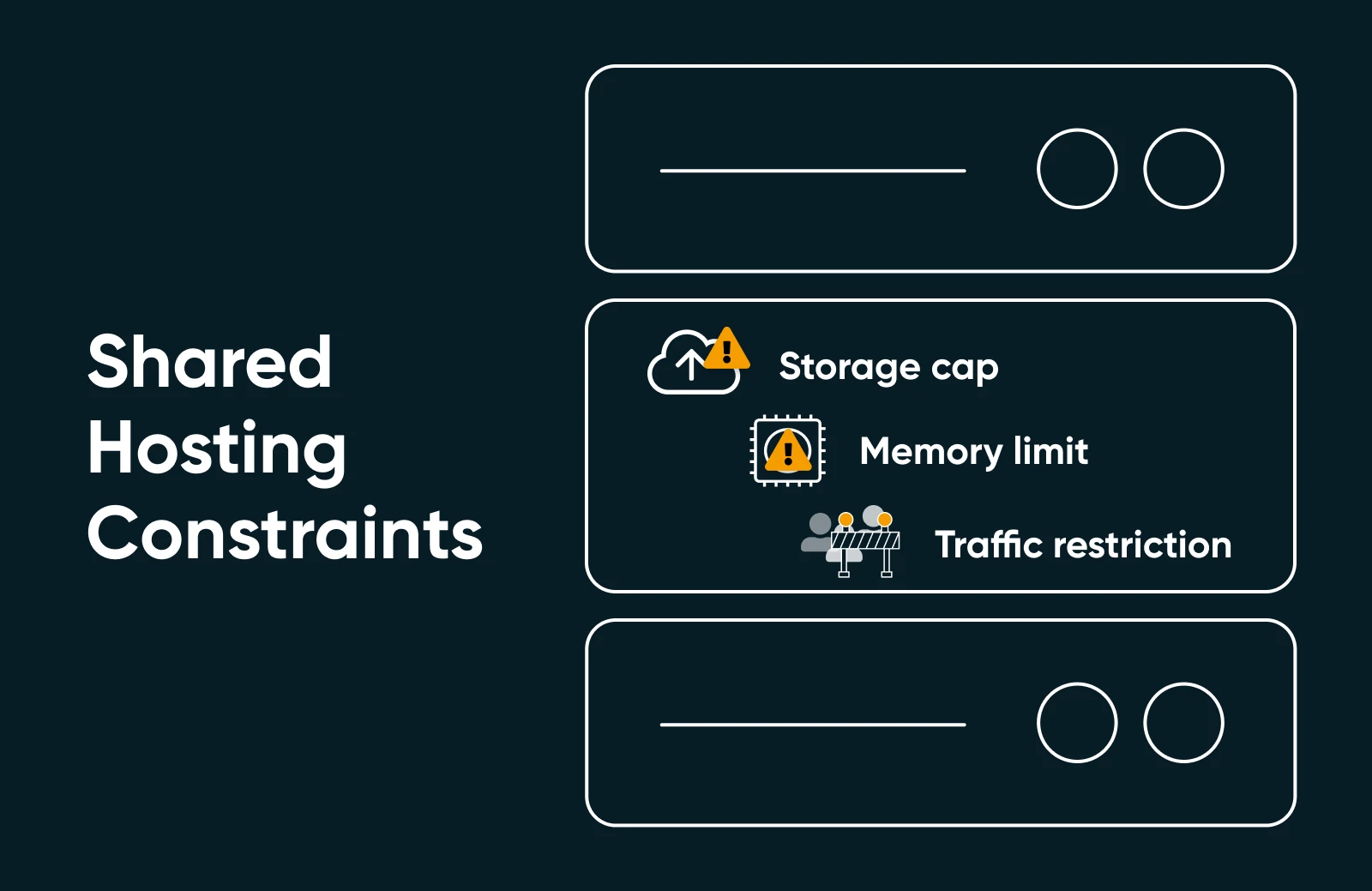
So, you want to be clear about what a faster WooCommerce core can and can’t solve before you decide to switch to a shared host from a VPS.
Let’s start with some problems you might experience depending on the size of your WooCommerce store:
- Database size restrictions if you have large catalogs
- Cron job frequency limits can affect stores that depend on many scheduled tasks
- Memory allocation caps that can constrain complex operations
- Concurrent connection limits that auto-apply during major traffic spikes
And there’s also the problem of plugin bloat. A quick audit rule: if you can’t say what a plugin does for your store, deactivate it and watch what happens to your load times.
⚡WooCommerce optimizes its own core but can’t fix third-party code quality issues.
Apart from the above, email delivery on shared hosting can be unreliable (which means you need an email plugin to handle that). Most hosts restrict outbound email frequency, which can affect your order confirmations and customer communications regardless of WooCommerce performance improvements.
You can absolutely work around these constraints, but they need ongoing optimization.
Even though modern WooCommerce gives you more headroom within these limits, you need to work to keep the setup chugging along.
When shared hosting is enough (and when to upgrade)
Shared hosting is enough when your store is small to midsize and your traffic is steady. It stops being enough when your catalog, order volume, or traffic spikes outgrow the plan’s fixed resources. Here’s how to judge that for your own store.
What a WooCommerce store needs from a host
Whatever the tier, check these five things before you commit to a plan:
- A current PHP version. WooCommerce recommends PHP 8.3 or greater, and notes that updating PHP can make a store up to 3–4 times faster, per its system requirements documentation.
- Room to grow. Product images, order history, and database tables all expand with every sale, so look at storage and memory, not just price.
- A persistent object cache, or the option to add one, so WooCommerce’s cached counts and queries survive between page loads.
- An uptime guarantee. Downtime on a store is lost revenue, not just lost traffic.
- Support that answers at 2 a.m. Checkout problems don’t keep business hours.
How big can a store get on shared hosting?
No host publishes a hard cutoff, because two stores with the same product count can behave very differently. A 200-product store selling digital downloads is a far lighter load than a 50-product store running live inventory syncs and a heavy page builder.
Two honest reference points:
- DreamHost web hosting tiers list estimated monthly visits (40k on the entry tier, up to 400k on the top tier). Treat those as general plan sizing, not WooCommerce capacity guarantees: a store’s checkout and admin work cost more per visit than a blog’s page views.
- WooCommerce’s own performance work targets very large stores. Its May 2025 benchmark store held 1.2 million orders and 15,000 products, and stores anywhere near that scale belong on isolated resources, not a shared plan.
Between those poles, the reliable way to size a shared plan is by measurement, not product counts. That’s what the next checklist is for.
Signals you’ve outgrown your plan
Watch your logs and your analytics for these patterns:
- Time to first byte keeps climbing on product and checkout pages, even after you’ve tuned caching.
- Cart and checkout updates lag at your busiest hours.
- PHP memory-exhaustion errors appear after imports or bulk edits.
- 503 or “resource limit reached” errors show up during traffic spikes.
- Scheduled tasks back up: order emails send late, stock syncs lag, and the cron queue keeps growing.
One of these once in a while is a tuning problem. Several of them every week means the plan, not the store, is the bottleneck. Memory and connection errors point toward isolated resources (a VPS upgrade); admin slowness plus mounting maintenance chores point toward managed WordPress hosting.
The middle path: managed WordPress hosting
A VPS isn’t the only exit. Managed WordPress hosting sits between shared hosting and a VPS: instead of more raw resources to administer yourself, the performance work is done for you.
DreamPress, DreamHost’s managed WordPress hosting, includes a server-side caching stack (NGINX FastCGI caching, Redis object cache, and PHP OPcache), 1-click staging, daily backups stored offsite, and a free Bunny CDN tier. Those are exactly the jobs a shared-hosted store owner otherwise bolts on with plugins, which is why DreamHost recommends running WooCommerce on a premium plan like DreamPress.
On cost, the ladder is predictable: entry web hosting is the cheapest tier industry-wide, managed WordPress typically costs a few times more than an entry plan, and unmanaged VPS plans typically run roughly $5–$20/month before you count the hours of server administration they add. Current DreamHost prices live on the web hosting, DreamPress, and VPS hosting pages.
How to keep a WooCommerce store fast on shared hosting
WooCommerce 9.9 was released on June 9, 2025 (delayed a week from the planned June 2 date), and its performance work is baked into every release since. Getting the benefit today is less about preparing for one update and more about routine upkeep.
Here’s the checklist that keeps a shared-hosted store fast:
- Keep WooCommerce core current. The performance work didn’t stop at 9.9.
- Complete site and database backups before every update.
- Test on staging environments when available.
- Update PHP. WooCommerce recommends PHP 8.3 or greater; versions below 8.1 no longer receive PHP security support.
- Review and remove unnecessary plugins.
Many hosts offer staging environments; on DreamHost, 1-click staging comes with DreamPress. Use staging to test updates safely before applying them to your live site, and document current admin load times so you can measure the improvements afterward.
Also, if your hosting provider supports object caching, make sure you enable it. WooCommerce now uses the WordPress object cache far more effectively than it did before 9.9.
💡Pro tip: Consider enabling High-Performance Order Storage (HPOS) if you haven’t already. Many of the most significant performance improvements work best with HPOS enabled.
WooCommerce’s performance improvements work best when your site isn’t weighed down by third-party plugins and themes. So you need to try and keep everything as lightweight as possible!
What does this mean for your business?
It means the biggest hurdle to running WooCommerce on a budget has shrunk dramatically.
For years, performance issues made WooCommerce feel like a compromise. You’d choose it because it was free.
Slow admin panels, crashed sites during traffic spikes, and the constant pressure to upgrade to expensive hosting made it a mess to work with.
Since the June 2025 performance overhaul, that trade-off looks different. Your shared hosting plan can handle more real e-commerce than it used to, within the limits covered above, and you can put more of your budget into growing the store instead of fighting infrastructure.
Speed is worth the attention, too: in Deloitte’s “Milliseconds Make Millions” study (2020), a 0.1-second improvement in mobile site speed lifted retail conversions by 8.4% and average order value by 9.2%.
Ready to put your store on solid footing?
DreamHost web hosting gives a small store an affordable home, and DreamPress is the plan DreamHost recommends once WooCommerce is doing serious business. On a shared plan, a persistent object-cache plugin like Docket Cache (built for hosts where Redis and Memcached aren’t available) lets WooCommerce’s caching improvements do their job.
WooCommerce on shared hosting FAQs
Is shared hosting good enough for a WooCommerce store?
For small-to-midsize stores, yes. Since the WooCommerce 9.9 performance overhaul (June 2025), core caching and query improvements let optimized stores run comfortably on shared plans. Large catalogs, heavy order volumes, and frequent traffic spikes still call for managed WordPress hosting or a VPS.
Do I need a VPS for WooCommerce?
Not at first. Move to a VPS when you see repeated memory-exhaustion errors, 503s during spikes, or cron backlogs that tuning can’t fix. Until then, a lean plugin stack, object caching, and HPOS usually keep a shared-hosted store responsive.
Does DreamHost web hosting support WooCommerce?
Yes. DreamHost web hosting runs WordPress and WooCommerce, and DreamHost recommends DreamPress, its managed WordPress hosting, for stores that need managed caching, 1-click staging, and daily offsite backups as they grow.
What is HPOS in WooCommerce?
HPOS (High-Performance Order Storage) is WooCommerce’s modern system for storing order data. Per WooCommerce’s May 2025 benchmarks, several of its biggest speedups, including cached order counts and async custom-field loading, require HPOS enabled. Turn it on in WooCommerce settings and test on staging first.
What PHP version does WooCommerce need?
WooCommerce recommends PHP 8.3 or greater. It runs on PHP 7.4 and above, but versions earlier than 8.1 no longer receive PHP security support, and WooCommerce’s documentation notes newer PHP can make a store up to 3–4 times faster.

Set Your Store Up For Success
Sell anything, anywhere, anytime on the world’s biggest online store platform.
See MoreThis page contains affiliate links. This means we may earn a commission if you purchase services through our link without any extra cost to you.