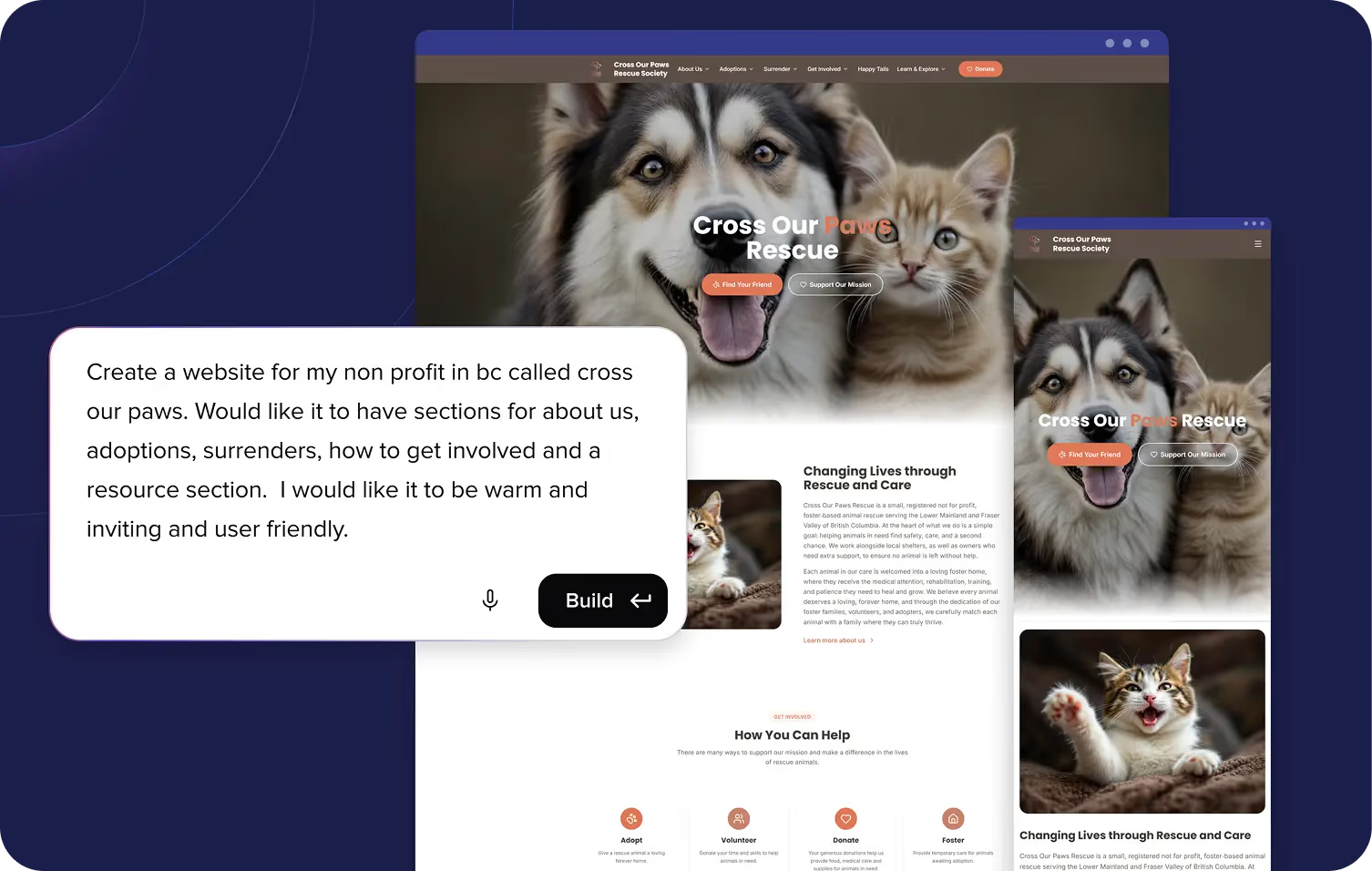
Describe it. Remixer builds it.
No more blank templates or five-figure dev quotes. Describe your business and get a site or web app that looks like you hired a designer — in minutes.
Free for 30 days. No credit card required.
From Your Words to a Live App in 4 Steps
Tell Remixer what you're building in your own words. A business site, an online store, a booking app with client logins. Just describe it and watch what happens.
Describe What You Need
Tell Remixer what you're building in your own words. A business site, an online store, a booking app with client logins. Just describe it and watch what happens.
No coding. No backend setup. No design skills. Just conversation.
One Builder. Every Type of Site and App.
Remixer builds custom sites and web apps from scratch for any type of business or project. Here's a taste of what's possible.
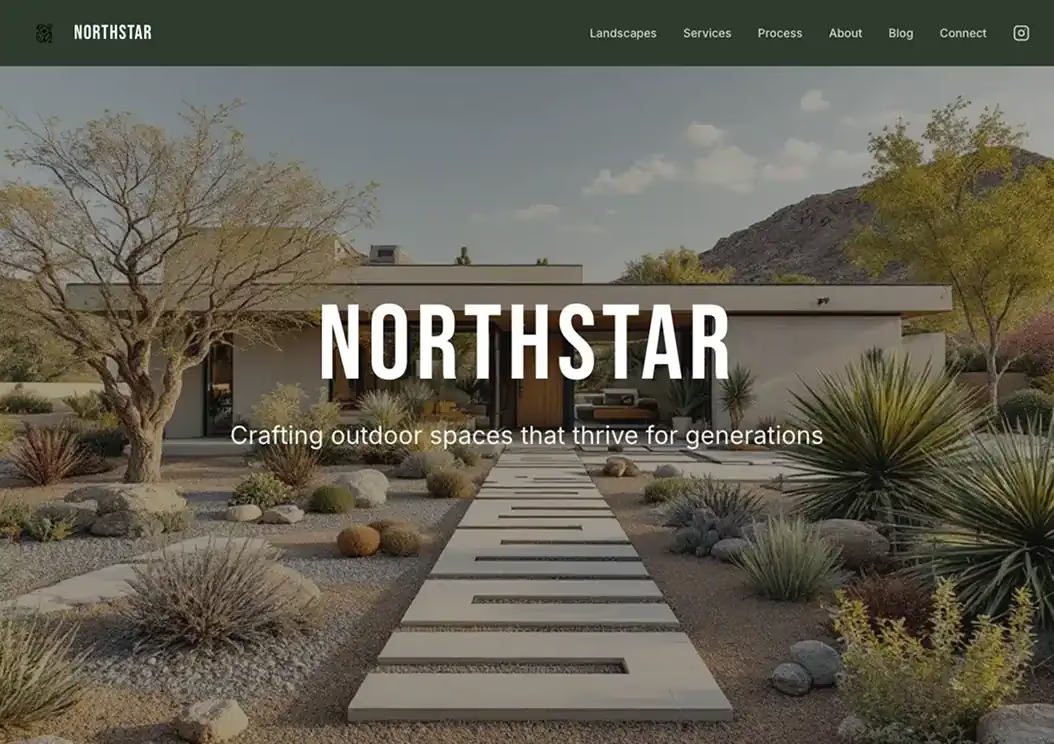
Northstar Garden Co.
Landscape Design & Outdoor Spaces

Design Hotels
Curated Design Hotels
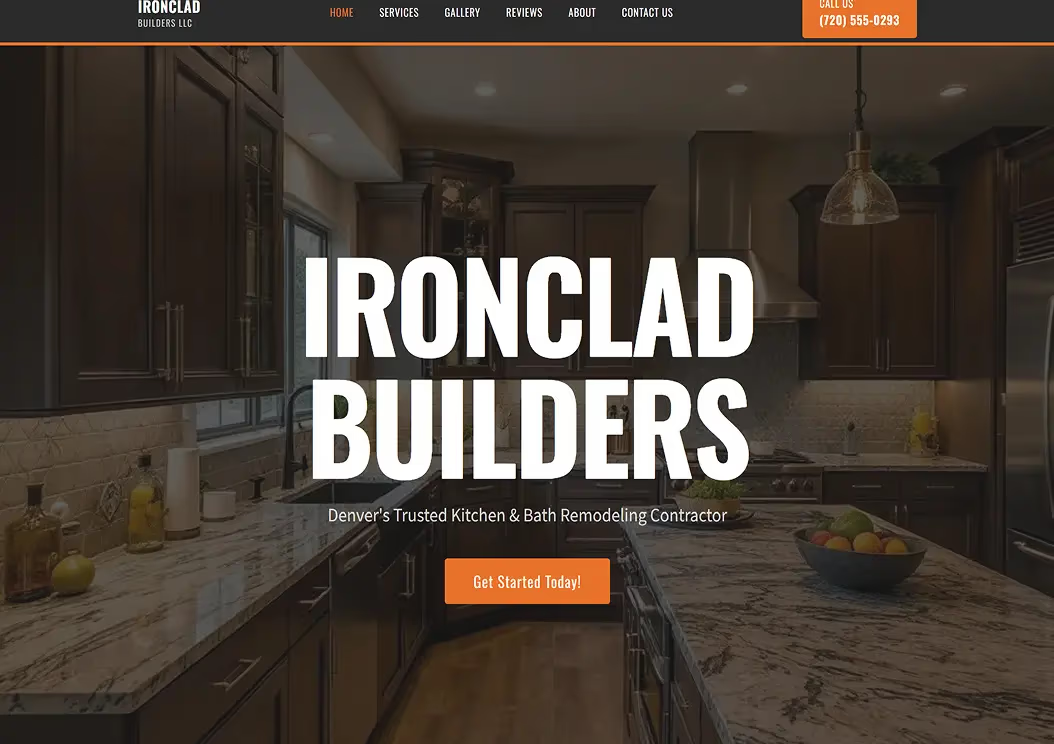
Ironclad Builders
Construction

Ceramic Fun
Art and Crafts

Angela Garino
Interior Architecture

Well Baked
Guilt-Free Bakery

Maison Noir Salon
Hair Salon
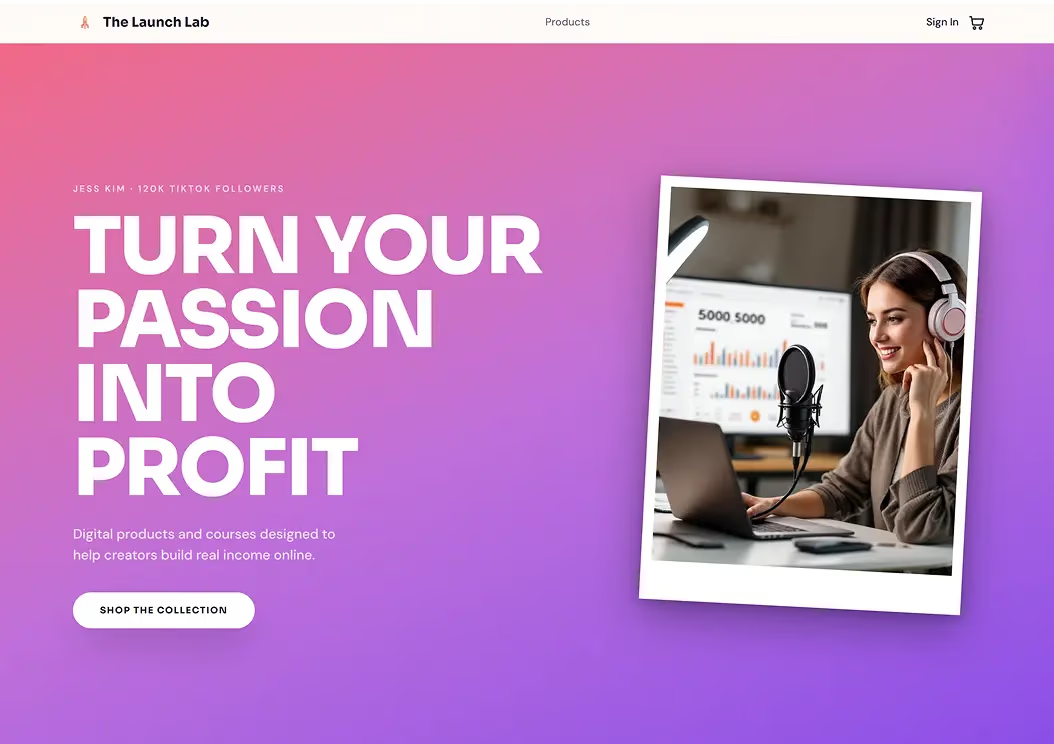
The Launch Lab
Digital Products & Online Courses

Cadence IQ
Fitness App

Buttercream flowers
Food and Desserts

Hearthline Studio
Boutique Interior Styling
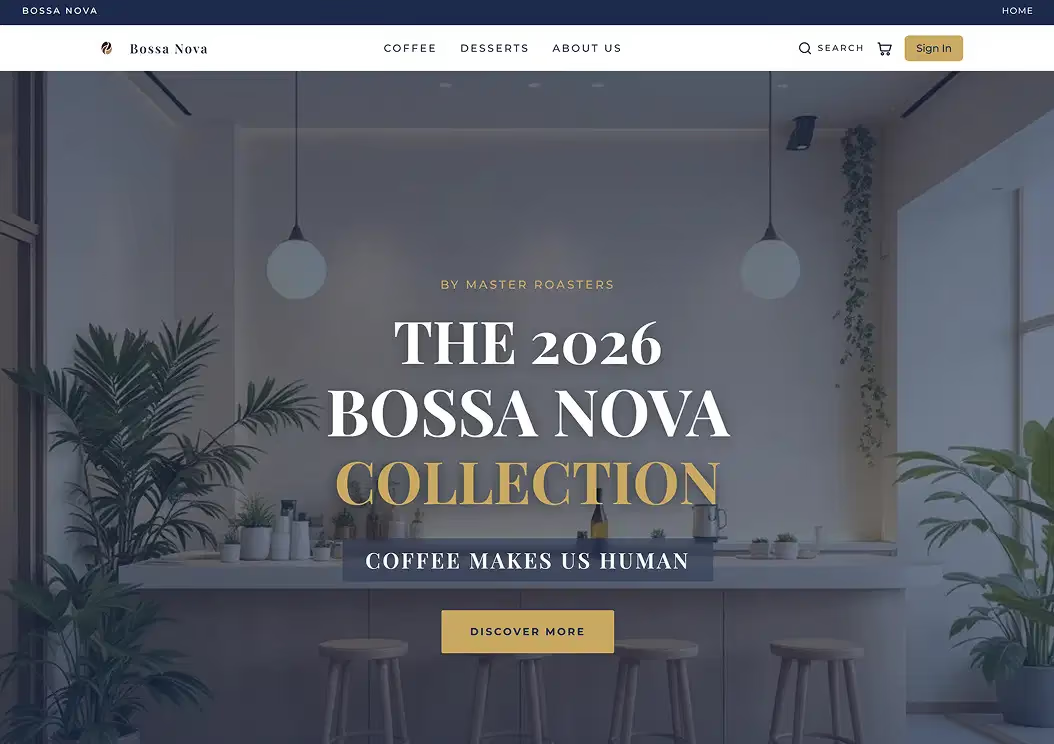
Bossa Nova
Specialty Coffee & Desserts
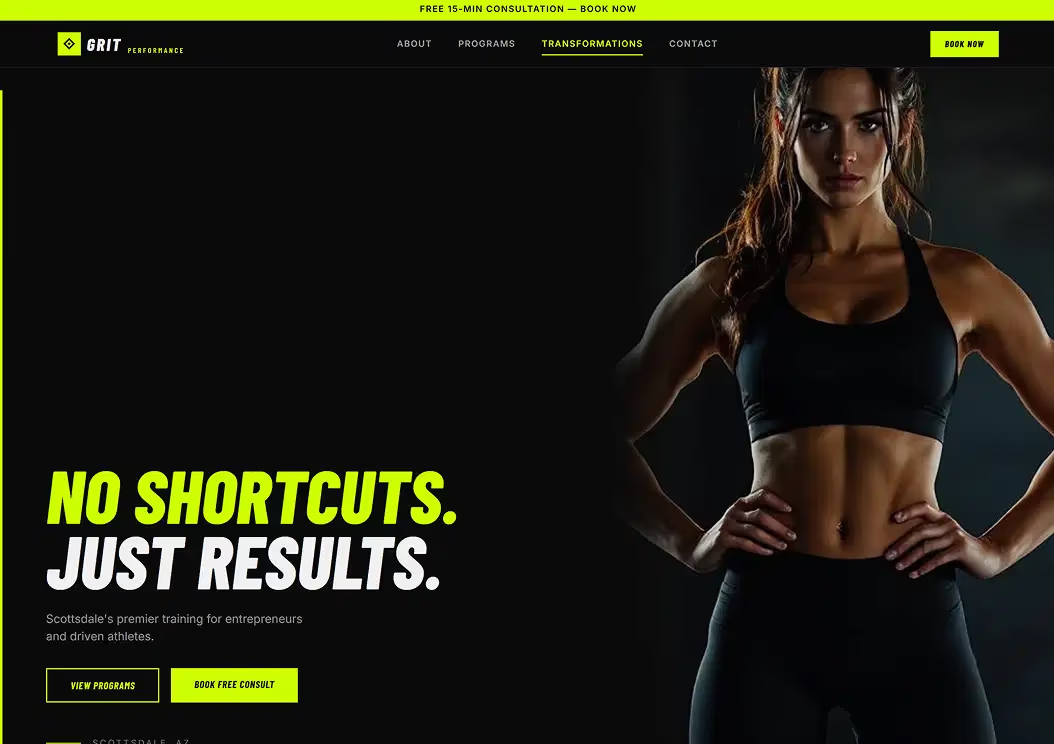
Grit Performance
Performance Training

La Floristeria
Bakery & Cafe
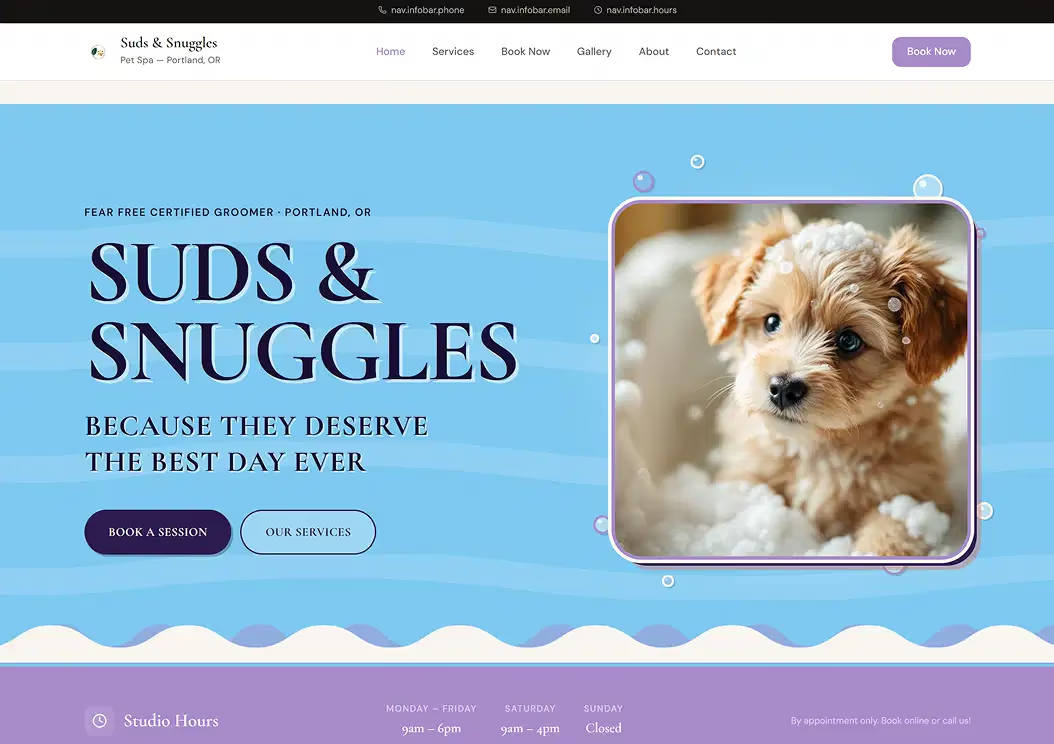
Suds & Snuggles
Pet Grooming & Spa

Slow Clay Studio
Handcrafted Ceramics
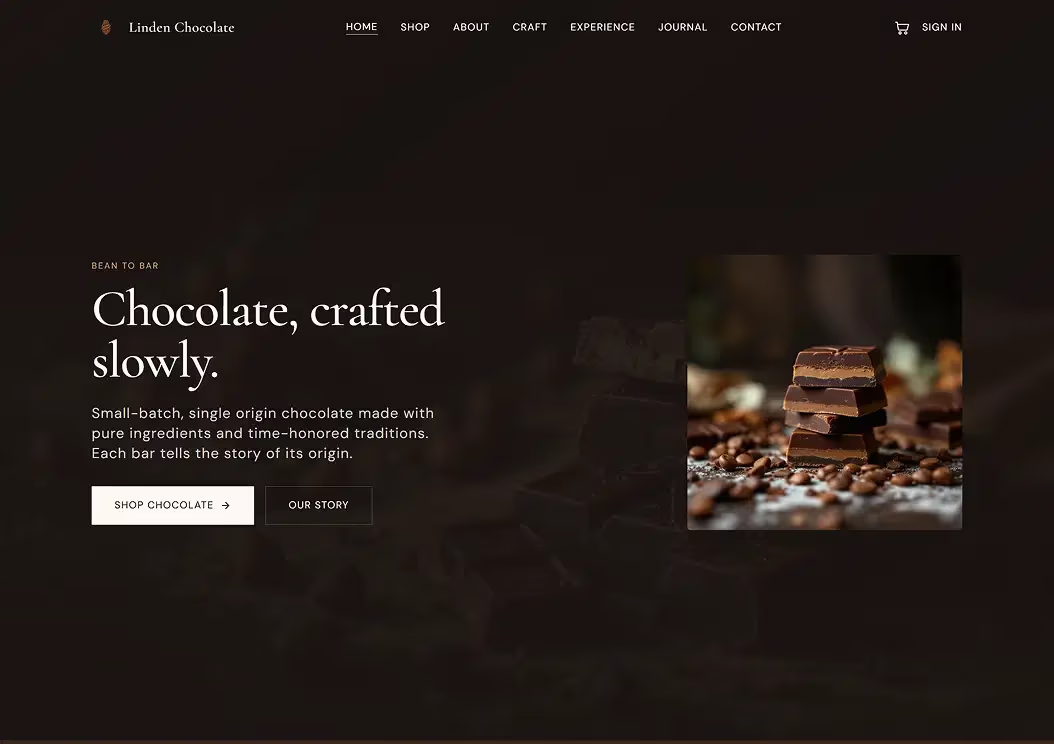
Linden Chocolate
Bean to Bar Chocolate

Trattoria Bella
Authentic Italian Cuisine - San Diego
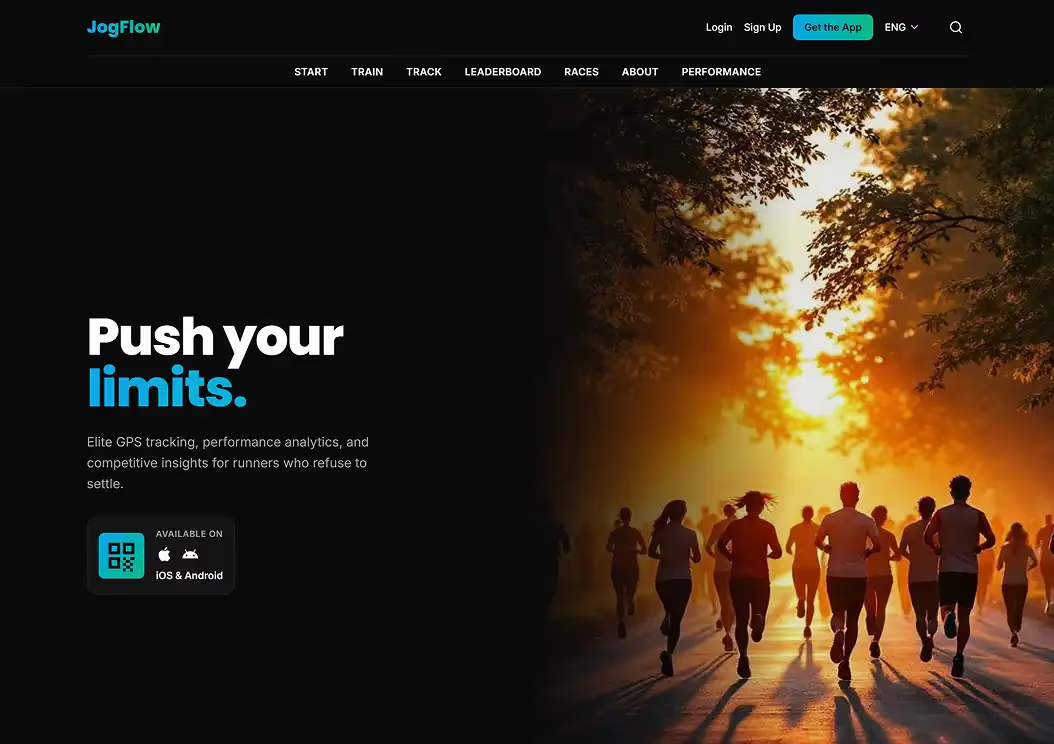
JogFlow
Running Performance App

Archipelago Prime
High-Yield Coastal Assets
Trusted by Thousands of Business Owners
"Without DreamHost, we wouldn't have a website. Remixer turned our vision into a professional home so fast that we rescued our mission right when it mattered most, with zero technical experience required."

What You Can Build
From a marketing site to a full web app with logins and payments. Describe it and Remixer builds it, all in one place.
Logged-in, interactive tools where visitors sign in, book, buy, and manage.
Client Portals
Give clients a private, logged-in space for files, updates, and project progress.
Booking & Scheduling Apps
Let clients book appointments online so you can manage your availability and keep your calendar full.
Membership Sites
Offer members-only content and gated resources with built-in sign-ins.
Online Stores
Sell products and take payments with Stripe built in, no checkout pages or plugins to set up.
Community Platforms
Build a community hub with content, member signups, discussions, and updates.
Fundraising Pages
Run campaigns, collect donations, and engage your supporters.
Public pages that inform, showcase, and turn visitors into customers.
Business Websites
Professional sites that bring in leads and build trust with customers.
Portfolios
Showcase your work with beautiful galleries that get you hired.
Blogs
Publish content with SEO built in from the start.
Landing Pages
High-converting pages built to capture leads and drive action.
More than a website builder. A full app platform underneath.
Most AI website builders stop after generating pages. Remixer ships with the database, logins, file storage, and forms real web apps are made of — built in, not bolted on.
Database
Your app runs on real data: user accounts, bookings, orders, and submissions, stored and organized, not lost in an inbox.
Storage
Let users upload and download documents, images, audio, and video right inside your app, with no third-party storage to wire up.
User Management
Give visitors real accounts. They sign in with email or Google to reach customer portals and members-only areas.
Custom Forms
Capture inquiries, applications, and signups in forms that save straight to your database and send branded emails.
Logs
Watch sign-ins, user activity, and deployments live, so you catch issues the moment they happen.
Secrets
Securely store API keys so your app can connect to the third-party services your business runs on.
Payments
Charge for products, subscriptions, and memberships with built-in Stripe. No checkout or plugins to build.
Shipping
Compare rates, print labels, and send automatic tracking updates with built-in Shippo.
Email & Notifications
Send confirmation emails and get notified the moment a booking, order, or signup comes in.
Built for Business Owners, Not Just Builders
Plenty of AI tools can generate an app. Remixer comes with everything that makes it a business: hosting, support, and room to grow.
One Flat Plan
Hosting, CDN, SSL, and 24/7 support are included, not extras you assemble later. One price you can budget around.
Real Humans, 24/7
When it's your business on the line, you talk to a person. Support that answers around the clock, included with every plan.
25+ Years of Hosting Underneath
Your site runs on DreamHost infrastructure with 25+ years of uptime lessons built in.
Room to Grow
Add a matching email address, more domains, or hands-on help from our experts when you need it. Your site grows with the business.
Professional Sites & Apps, Made Easy
Start for free, no credit card required. Choose a Remixer plan when you're ready to publish your site or app.
Your plan includes 1,000 AI credits every month, plus a one-time bonus of 1,000 extra in your first month. Credits refresh each billing cycle, and adding more is always your choice.

10 PoPs
Your site or web app, fast for every visitor, everywhere.
Every Remixer website and web app is delivered through a global content delivery network and is active from the day you go live, no setup required. Across 10 Points of Presence (PoPs) worldwide, SmartEdge technology intelligently routes each visitor through the fastest available path. SafeHop keeps your site or app accessible if any server issue occurs, and Image Optimization automatically compresses your images so everything loads fast, every time, for everyone.
Frequently Asked Questions
- Not at all. If you can describe what you need in a sentence, Remixer creates your site for you. No coding or design experience required.
- Yes. Agentic means Remixer does more than answer prompts. It plans multi-step work on its own: building your pages, wiring up forms, logins, and payments, and suggesting what to add next. You describe the outcome and approve what ships; Remixer handles the sequence.
- Most AI builders are made for people who want to build software. Remixer is made for people who want a working business asset. Every plan includes managed hosting, a global CDN, SSL, and 24/7 human support from DreamHost, so the site or app you describe is also published, fast, and cared for, with no hosting, domain, or support to stitch together yourself.
- Yes. Beyond marketing pages, Remixer builds the working parts of a web app: a database, user logins, file uploads, custom forms, and payments, all built in. That means client portals, booking and scheduling tools, and members-only sites, not just brochure websites.
- Yes. Remixer includes built-in user management, so visitors can sign in with email or Google to reach customer portals, gated content, and members-only resources, with no separate plugin or service to set up.
- No. You can start building immediately without domain or hosting, no credit card needed. Your free trial site previews on a remixer.ai subdomain. When you're ready to go live, plans start at $9.99/mo and include hosting, CDN, SSL, and 24/7 support.
- Yes. You can build, edit, and preview your website completely free for 30 days—no credit card or domain required. Upgrade only when you're ready to publish or need additional credits.
- Most websites are ready to preview within minutes. Refining and publishing your site typically takes less than an hour.
- Yes. Remixer integrates with Stripe for secure payments and Shippo for shipping and fulfillment— with no complex setup required.
- Credits are how Remixer measures AI usage. Every generation, edit, or design change draws from your balance. The Build plan includes 1,000 credits per month. New subscribers also get a one-time bonus of 1,000 extra credits in their first month to get started.
- Credits refresh at the start of each billing cycle. If you run out before then, you can add one-time credits.
Need Some Help?
Whether you're stuck or just want some tips on where to start, hit up our experts anytime. We're here to help!
24/7/365 Through the Chat Widget
24/7/365 Through the Panel
24/7/365 Through the Panel

Describe it. Remixer builds it.
Create a professional website or web app in minutes with a simple conversation.