Who’s finding you?
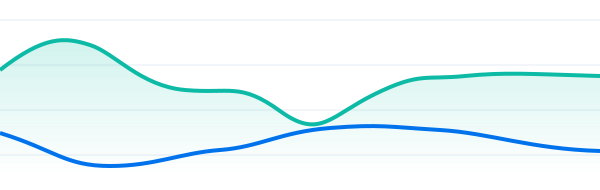
See traffic over time, where visitors come from and which devices they use. Use that picture to decide where to focus your content and mobile experience.
Explore visitor reportsDreamHost Traffic Dashboard
DreamHost’s Traffic Dashboard helps website owners spot popular pages, understand visitors and investigate bot activity. Free with eligible hosting, right inside your DreamHost panel.
Already a customer? Sign in, choose your site, then open Traffic.

A LITTLE CLARITY GOES A LONG WAY
You put work into your website. See where visitors spend their attention, then decide what deserves yours. And when you need a hand with your hosting, our team is here.
Chat may start with AI. You can ask for a person.
MAKE THE NUMBERS USEFUL
Start with a question about your website.
Your dashboard gives you a place to look.
See traffic over time, where visitors come from and which devices they use. Use that picture to decide where to focus your content and mobile experience.
Explore visitor reportsCompare visits to your most popular pages. Spot a page worth improving or look at how interest changes after you publish something new.
Understand page viewsExplore identified search, social and AI bots separately. A jump in automated requests tells a different story from a jump in human visitors.
Explore bot reportsBot reports help you investigate activity. They don’t automatically block it.
BUILT INTO YOUR HOSTING
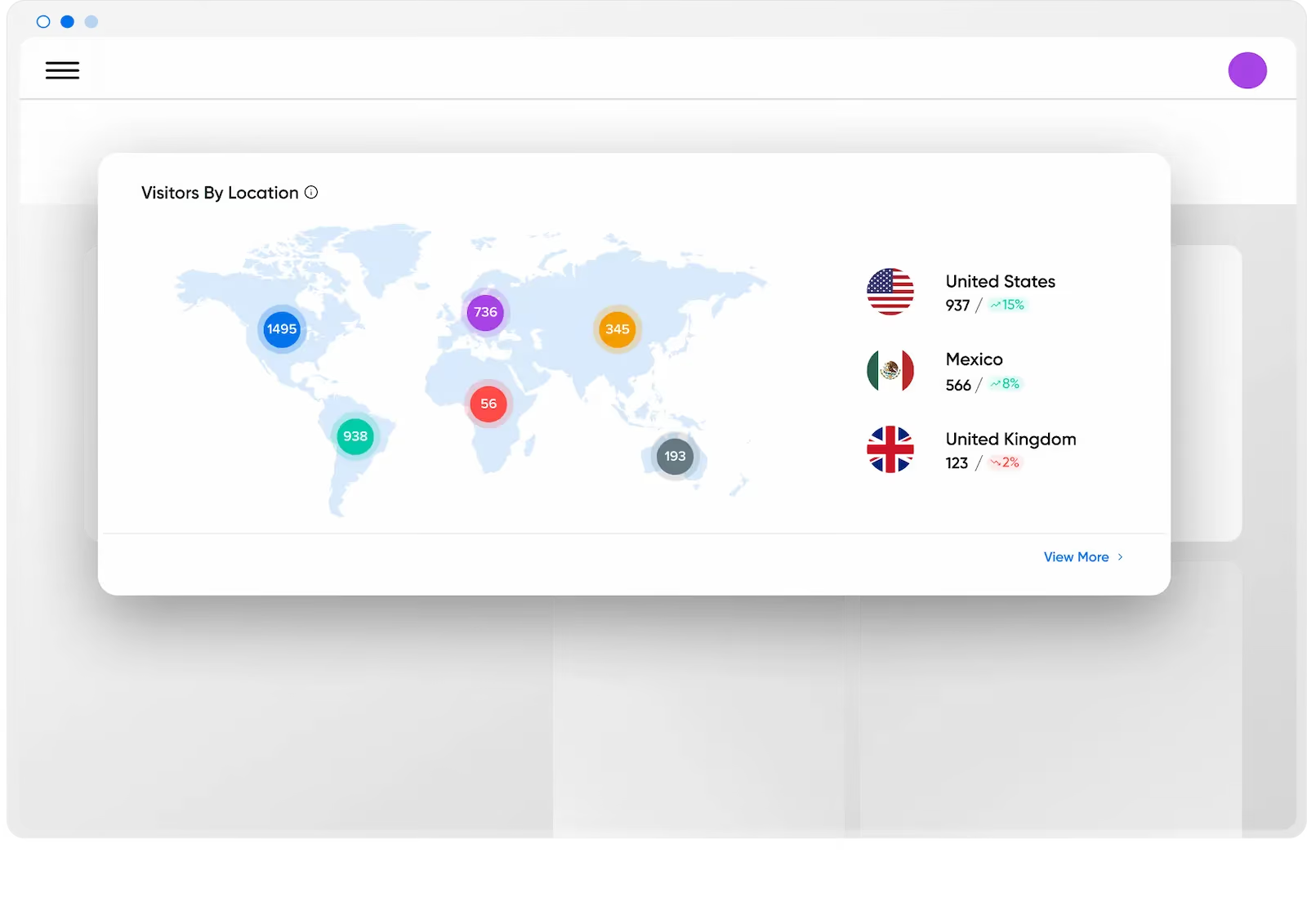
Your website already sends requests to its web server. Traffic Dashboard turns those server records into readable reports inside your DreamHost panel.
No analytics snippet or extra plugin to install.
Manage your website and check its traffic in the same panel.
Server requests and browser interactions tell different parts of the story. You can use both tools.
YOU’RE CLOSER THAN YOU THINK
No separate analytics account.
No code to copy and paste.
ALREADY WITH DreamHost?
Sign in to your DreamHost account.
Select Manage beside the site you want to check.
Start with Visitors, or switch to Bots.
Using Bunny CDN? Open the Bunny CDN tab for its metrics; the Visitors and Bots tabs won’t show that traffic.
MAKING DreamHost YOUR HOME?
Choose eligible hosting and build your site. Moving WordPress? Use the free automated migration plugin yourself, or choose DreamPress for an included professional move. Traffic Dashboard comes with your hosting.
Moving a WordPress site?Graphs refresh hourly. Use the 24-hour or 7-day view to explore recent activity. Read the dashboard guide
INCLUDED. READY WHEN YOU ARE.
Traffic Dashboard is included with fully hosted domains on Web Hosting, DreamPress, Managed VPS and Dedicated Hosting.
Existing customer? Check your dashboard—you don’t need a separate analytics plan.
The most affordable way to get all the basics for your website.
First 4 years at
$1.99/mo
then $7.99/mo
Fast, optimized WordPress Hosting with CDN, professional staging, daily & on-demand backups, custom caching + email.
Starting at
$11.99/mo
The ideal way to support 5 WordPress websites. A high-performance platform with isolated resources and more backend control.
First 3 years at
$10/mo
then $24.99/mo
The ideal starting point into dedicated hosting! Our Standard servers have 6-core processors to handle all of your sites' visitors!
Starting at
$165/mo
Hosting prices and introductory periods vary by plan; the full selected term plus taxes is charged at checkout. Traffic Dashboard adds no separate fee. DreamCompute and redirected sites don’t have the Traffic tab. See availability.
Yes. It is included at no extra charge for fully hosted domains on Web Hosting, DreamPress, Managed VPS and Dedicated Hosting. Hosting itself is paid. DreamCompute and redirected sites do not have the Traffic tab.
Traffic Dashboard uses your web server’s records. GA4 uses browser-based tracking to measure interactions on your site. Traffic Dashboard requires no tracking code or analytics cookies; GA4 offers deeper customization. The two tools can report different totals because they measure activity differently.
Graphs refresh hourly. Choose the 24-hour or 7-day view for recent trends. It is not a live feed of every visitor.
No. It reports identified bot activity so you can investigate it. Search-engine crawlers and other useful bots are normal. Seeing automated traffic alone does not mean your site is under attack. Learn about bot reports.
Sign in to your DreamHost panel, open Manage Websites, select Manage for your site, then choose Traffic. Open Manage Websites.
Yes. You can use Traffic Dashboard alongside GA4. Check server activity in your DreamHost panel and use GA4 for the browser interactions and custom reporting you have configured.
With Bunny CDN enabled, traffic is routed through CDN servers. Use the Bunny CDN tab in the same Traffic section for those metrics. Read the Traffic page guide.
Yes. Chat may start with AI, and you can ask for a person. Customer support is available through your panel. For help choosing hosting, .
YOUR NEXT WEBSITE CHECK-IN
Your traffic has a story to tell. Open your dashboard and take a look.
Chat may start with AI. You can ask for a person.