Back in my day, a stylesheet was just a stylesheet.
You hand-coded the CSS for every element. And we liked it that way.
Ahem. Okay. Disengaging curmudgeon mode.
A CSS framework is a library of prewritten CSS (grids, buttons, forms, and layouts) that you apply to your HTML instead of styling every element from scratch. CSS has come a long way since the days of raw HTML pages, and frameworks make it light years easier for developers and designers to build and launch new projects, both big and small.
They also have a huge impact on users and the way we experience the web. Frameworks create a shared language for UI and UX on websites and web applications, making nearly every site easier to understand, navigate, and use.
Today, about 1 in every 5 websites on the internet is built using a CSS framework (W3Techs, July 2026).
In this article, we’ll rank 16 of the most popular frameworks (plus two bonus picks), flag the projects whose development has stalled, and help you choose the right one for your next project. Here’s the at-a-glance version:
| Framework | Type | Maintenance | Approx. gzipped size | Share of all websites* | Best for |
|---|---|---|---|---|---|
| Bootstrap | Component-based | Active | ~16KB | 13.8% | Most projects |
| Tailwind CSS | Utility-first | Active | Under 10KB (typical build) | 0.3% | Custom design systems |
| daisyUI (bonus) | Tailwind plugin | Active | Varies by build | Not tracked | Component classes on Tailwind |
| Bulma | Component-based | Active | Not established | Under 0.1% | Beginners, JavaScript-free styling |
| Foundation | Component-based | Active | ~34.7KB | 0.4% | Enterprise sites and email |
| Semantic UI | Component-based | Stalled (use the Fomantic-UI fork) | Not established | Under 0.1% | Human-readable markup |
| Materialize | Component-based | Stalled (use the MaterializeWeb fork) | Not established | 0.1% | Material Design looks |
| UIkit | Component-based | Active | Not established | 0.2% | Lean, polished interfaces |
| Ant Design | Component-based (React) | Active | Varies by build | Under 0.1% | React apps |
| Primer | Component-based | Active | Not established | Under 0.1% | Developer-facing tools |
| Tachyons | Utility-first | Stalled | Not established | Under 0.1% | Quick static pages |
| Pure | Minimal | Active | 3.7KB | Under 0.1% | Bolt-on modules |
| Material Design Lite | Component-based | Deprecated | Not established | 0.1% | Legacy projects only |
| Spectre.css | Minimal | Stalled | ~10KB | Under 0.1% | Minimalist pages |
| Milligram | Minimal | Stalled | ~2KB | Under 0.1% | Tiny footprints |
| Water.css | Class-less | Stalled | Not established | Not tracked | Instant styling for static pages |
| Pico CSS (bonus) | Class-less | Active | Not established | Under 0.1% | Semantic HTML with zero classes |
| Vanilla | Component-based | Active | Not established | Not tracked | Ubuntu-flavored projects |
*Percentage of all websites using the framework, per W3Techs, July 2026; “Not tracked” means W3Techs doesn’t monitor it. Gzipped sizes come from Strapi’s 2026 framework roundup (Tailwind, Bootstrap, Foundation), each project’s own documentation (Spectre, Milligram), and the Pure repo; “Not established” means we don’t have a comparable, sourced figure, and “Varies by build” means the shipped size depends on which components you import.
What is a CSS framework?
A CSS framework is a pre-prepared library of code to help implement fast and consistent website styling and layouts. Frameworks include pre-written, reusable code for common design elements and components that can be easily applied to base HTML to create familiar and consistent user interfaces or website designs.
CSS frameworks are used by front-end developers to quickly deploy things like responsive grids, styled forms, buttons, or other important UI elements on web pages and apps.
Benefits of using a CSS framework
Okay, but why bother using a framework?
Couldn’t you just build all of this stuff yourself? Well, yeah. But that’s kind of the point. Frameworks are the inevitable outcome of a world where designers and developers write the same basic CSS over and over again for each website or app.
Why not just write it once and use it everywhere? That’s why they exist.
Speed up development time
The simplest answer as to why people use frameworks: Speed. Frameworks come out of the box with plenty of elements and styles you would otherwise need to build from scratch when developing a website.
So why recreate the wheel?
Many developers and web designers also use frameworks as a tool for rapidly prototyping new websites or apps before building a custom design system.
Consistent style and design
The other key benefit of using a CSS framework is that all of your styles, UI elements, buttons, and more will look consistent out of the box. You won’t have to spend hours (or days or weeks or years) tweaking individual styles to ensure they all have the same padding, spacing, and font sizes.
Since the framework has already been meticulously crafted, all the tedious work is done.
As an added benefit, the most popular CSS frameworks are widely used, helping the website look and feel familiar to users. That’s clutch from a UX standpoint.
Last but not least, consider accessibility — and note that it isn’t the same thing as responsive design. A framework can look great on every screen size and still fail keyboard users. The good news: many popular frameworks ship accessible defaults, like sensible focus states and labeled components. Treat that as a head start, not a guarantee. You still need to test semantics, keyboard navigation, focus states, contrast, and any interactive components yourself.
Facilitate responsive design
Let’s be honest: Building a perfectly responsive layout is a pain.
There are so many variables and factors to consider. Then extrapolate from there to all the millions of devices, and your perfect grid system quickly becomes a mess.
Once again, modern CSS frameworks do a lot of the heavy lifting. They provide tested grids, breakpoints, and responsive utilities, which saves you serious setup time. You’ll still need to test your own content and custom components across screen sizes and browsers, but you’re starting from a working system instead of a blank file.
Improve collaboration and maintainability
Raise your hand if you like maintaining someone else’s code, creating docs, and deciphering someone else’s comments.
That’s a big no.
Since most frameworks come with an extensive documentation library and a community of users, you get the benefit of a common codebase and extremely well-documented information on exactly how to use said system.
Plus, most of them are open-source projects. That means you can freely use, adapt, and even (in some cases) redistribute your own version if that’s your thing.
Key features of a modern CSS framework
CSS frameworks run a pretty broad gamut, but most of them have some key features in common.
Predefined grid systems and layouts
Grids make the web go… not ’round? They make the web into perfectly proportionate boxes. That’s what they do.
Most CSS frameworks have a built-in grid system that helps create a flexible and fluid layout for the website. The system usually offers lots of customization that makes it easily adaptable to different screen sizes, resolutions, and page structures.
Responsive media queries
The other nice thing that most frameworks handle out of the box is media queries to automatically adjust styles based on device characteristics.
These systems can be complex and tedious to develop from scratch, but they’re a critical part of the modern web to ensure content scales and displays properly on various devices.
Pre-built UI components and templates
Most CSS frameworks come with a library of pre-built, pre-styled UI components. Things like buttons, forms, tables, toggles, and more — all ready to use by just applying a simple class.
This makes it faster to build interfaces and pages, plus it creates a foundation for a consistent look and familiar UI throughout the website (and across the web).
Typography and theme customization options
Many of the frameworks shared here come with built-in customizing and theming options. This makes it super simple to apply things like your brand colors, preferred fonts, and other personal touches that transform the look and feel to match your brand’s style.
Typography
Typography is a process of arranging a typeface in variations of font, size, and spacing. This involves making text’s appearance, style, and arrangement readable and visually pleasing.
The four main types of CSS framework
Before the list, it helps to know which flavor you’re shopping for. Nearly every framework below falls into one of four buckets:
Component-based frameworks (Bootstrap, Bulma, Foundation, UIkit, Semantic UI, Materialize, Ant Design, Primer) give you prebuilt, prestyled UI components (buttons, navbars, modals) that you apply with a class or two. They’re the fastest route to a finished-looking site. The trade-off: sites can end up looking alike, and you ship CSS you never use.
Utility-first frameworks (Tailwind CSS, Tachyons) skip prebuilt components and hand you hundreds of tiny, single-purpose classes instead. You get fine-grained design control, and production builds can exclude unused utilities, at the cost of busier HTML and a steeper learning curve.
Class-less frameworks (Pico CSS, Water.css) go the opposite direction: no classes at all. Link one stylesheet and your plain, semantic HTML instantly looks polished. Zero effort, minimal control.
Minimal frameworks (Pure, Milligram, Spectre.css) sit in between: a small set of base styles and a grid you can bolt onto your own CSS without inheriting a whole design language.
The 16 best CSS frameworks in 2026
The list below is ordered roughly by popularity and how confidently we can recommend each framework today, with maintenance warnings where a project has stalled.
1. Bootstrap
Bootstrap began as a side project built and shared by developers at Twitter. Now it’s the most widely used CSS framework for responsive, mobile-first web design. Bootstrap runs on 13.8% of all websites — a 74.5% share of the CSS framework market (W3Techs, July 2026).
Key features:
- Responsive grid system
- Pre-built UI components
- Customizable and extensible themes
- Extensive documentation
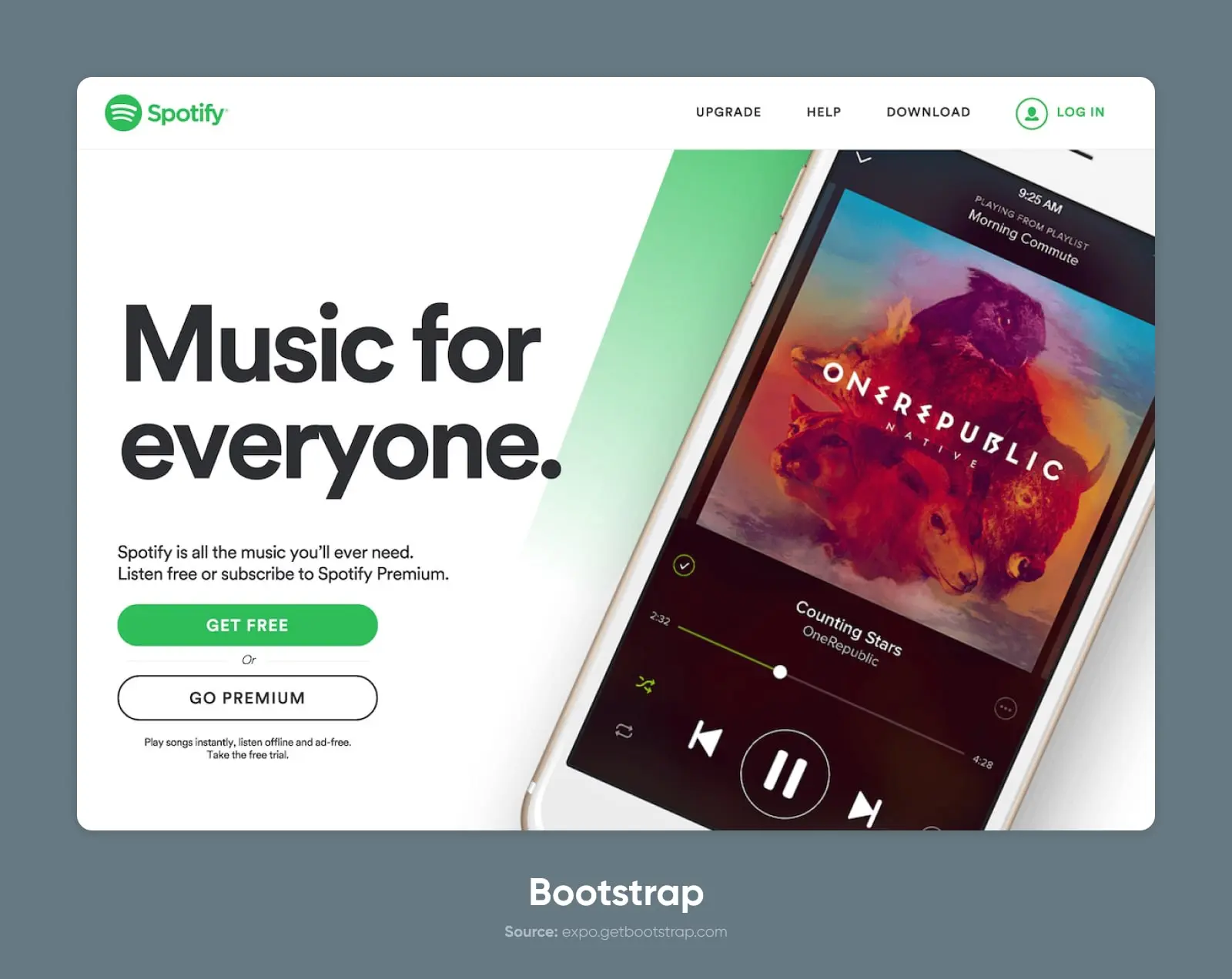
Many companies, including X back when it was Twitter (obviously), Spotify, and Udacity, have used the Bootstrap framework in part or fully on their websites.
Why people love Bootstrap
The reasons to love Bootstrap are the reasons to love frameworks — it’s simple, clean, and easy to use.
There’s a huge community of experts with experience building with Bootstrap to answer almost any question you can imagine.
And, although it sometimes gets a reputation for being vanilla, Bootstrap is pretty dang customizable if you want to go beyond what comes out of the box.
What people don’t like about Bootstrap
By far, the biggest knock on Bootstrap is that all of the sites using it look the same.
“They’re boring,” some will cry.
But that’s generally just the result of people using it exactly how it comes without taking much time to experiment or customize.
One other thing to be aware of is that the framework is quite bulky overall. The file size may be bigger than you’d expect for a simple website. That’s probably part of the reason Bootstrap has lost ground with developers: only 21.6% reported actively using it in the State of CSS 2025 survey. And yet it still runs on more websites than every other framework combined. Developer buzz and the deployed web are two different scoreboards.
2. Tailwind CSS
Tailwind is perhaps as much a movement as it is a framework.
The creator, Adam Wathan, wrote something of a manifesto about the thinking behind Tailwind. And essentially, the idea is that CSS should be functional (e.g., “.center-flex-3”) rather than descriptive and semantic (e.g., “.header” class).
He calls it a utility-first CSS framework.
And this approach works for a lot of people. In the State of CSS 2025 survey, 37% of developers reported actively using Tailwind, the survey’s top framework. Yet W3Techs still measures it on just 0.3% of live websites (July 2026): Tailwind is winning new builds, while the web’s long tail of older sites keeps running Bootstrap.
Key features:
- Utility classes for easy styling
- Responsive design capabilities
- Customizable configuration
- Component-friendly approach
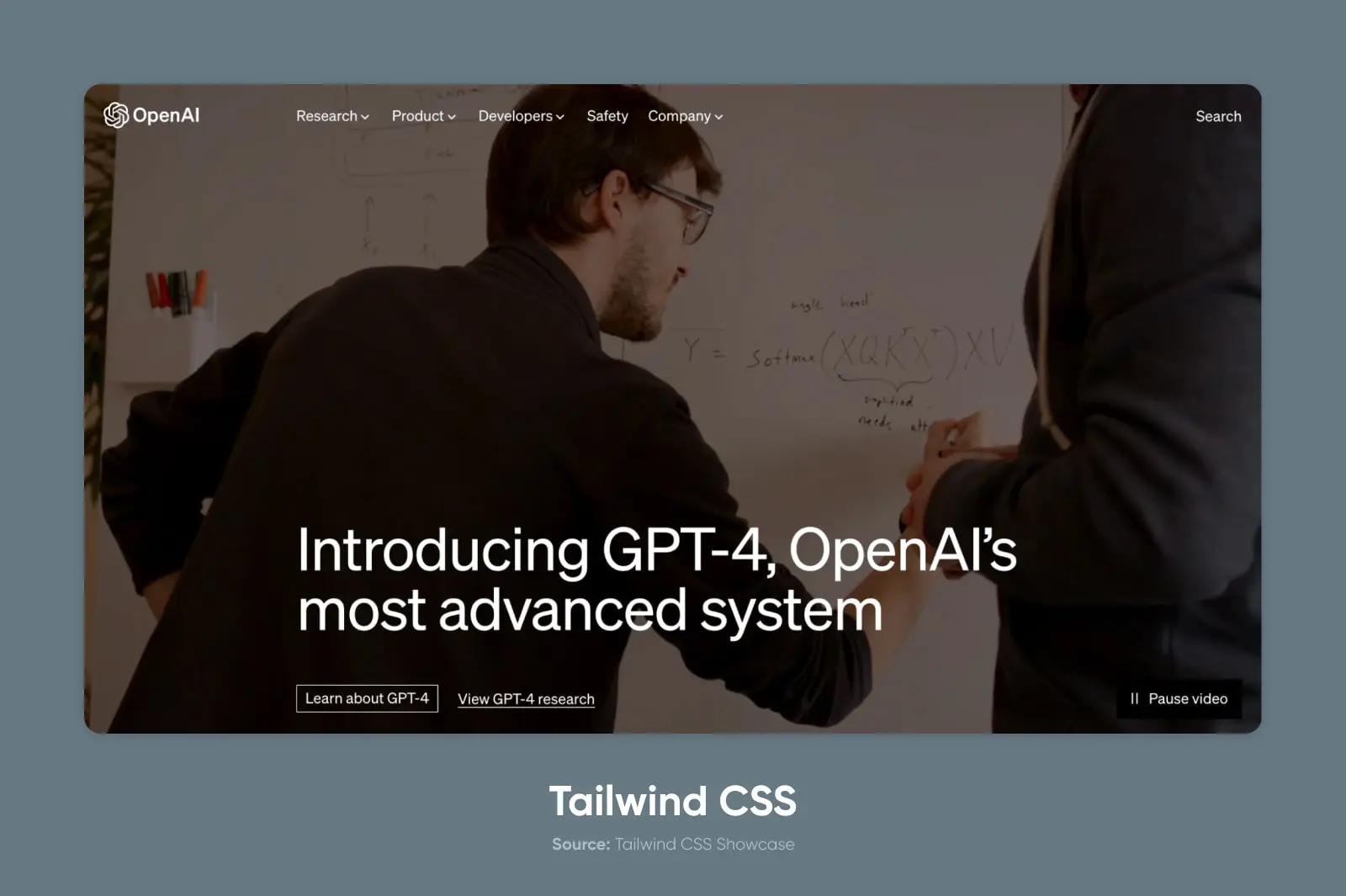
Many well-known tech companies use Tailwind CSS — Tailwind’s official showcase lists OpenAI (ChatGPT), Shopify, Wealthfront, Loom, and even NASA.
Why people love Tailwind
Since Tailwind is utility-first, it has nearly endless flexibility.
There aren’t really prebuilt layouts in the same way as, say, Bootstrap. Instead, you can combine and layer classes to position your HTML elements in a nearly infinite number of layouts and CSS grids.
The main thing people like about this approach is that they can style their divs without referring to the documentation. Since the utility classes are intuitively named (for the most part), you can quickly apply styles without constantly flipping between the CSS library and the markup.
What people don’t like about Tailwind
In a nutshell: People don’t like change, right?
Tailwind breaks some well-worn traditions for CSS frameworks and even web development more broadly.
There are many arguments for why this approach to CSS code is suboptimal. The “separation of concerns” is the underlying principle behind how CSS (and most other code) is written. Tailwind puts that concept, well, on its tail.
Bonus: daisyUI
If Tailwind’s utility framework isn’t your cup of tea, there is a great library called daisyUI, written by Pouya Saadeghi — a plugin that builds on top of Tailwind CSS, giving you a set of classes that feels more reminiscent of Bootstrap.
daisyUI provides class names for common UI components like buttons, cards, toggles, and more, allowing developers to focus on more critical aspects of their project instead of styling basic elements. It is built on top of Tailwind CSS, so everything can be customized using utility classes.
One of the big benefits of using daisyUI is that it dramatically cuts the class names you need to write, yielding 88% fewer classes and HTML around 79% smaller, per daisyUI’s own comparison (July 2026). It also adds a set of customizable color names to Tailwind CSS, giving developers the flexibility to create dark mode and other themes without adding new class names.
3. Bulma
Bulma is a lightweight, actively maintained CSS framework based on Flexbox that is free, open-source, and sitting at 50.1k GitHub stars as of July 2026.
The syntax of this framework is plain-language, meaning it relies heavily on descriptive utility classes or modifiers like “.button” and “.is-large”.
Key features:
- Flexbox-based grid system
- Modular architecture
- Sass-powered for easy customization
- Minimalistic code and design
Why people love Bulma
Bulma can feel a bit like the Lego set of CSS frameworks. It’s extremely simple and easy to understand, which makes it great for beginners or folks who just want a quick solution.
By applying a few logically named classes, you can build out modules, apply CSS animations, and create more advanced styling. There are no JavaScript dependencies, so you can use it in combination with pretty much any JavaScript framework.
JavaScript
JavaScript is a flexible programming language that makes websites more engaging and interactive. It teams up with HTML and CSS to improve how users experience websites and apps.
What people don’t like about Bulma
The simplicity of Bulma can be a double-edged sword.
While it’s great as a tutorial or introduction to CSS frameworks, more advanced developers would likely complain that it lacks the sophistication or extensibility of more full-featured options.
4. Foundation
On the opposite end of the spectrum from Bulma, we have Foundation.
Foundation has no qualms about being advanced and, as such, fairly complex compared to some of the other choices. It’s a responsive front-end framework designed for mobile-first development and used for both sites and emails, and it’s used by roughly 250,000 live websites worldwide (BuiltWith, July 2026).
Key features:
- Responsive grid system
- Comprehensive set of UI components
- Customizable Sass variables
- Integration with popular front-end tools and libraries
Why people love Foundation
Foundation is kind of the O.G.
It’s been around since 2011 (an eternity in framework years), which means many developers are well-versed in Foundation and familiar with its syntax and conventions.
It’s also a mature product. It has tons of features, extensive documentation, and resources.
Plus, it’s considered one of the best frameworks for accessibility.
What people don’t like about Foundation
Like most mature products, Foundation can feel a bit bulky compared to modern, lightweight frameworks.
It’s accrued a lot of requested features and customization options that make the codebase and file sizes a bit heavier. Plus, because conventions have shifted, the learning curve is a bit steep for a beginner used to something like Tailwind or Bootstrap.
5. Semantic UI
“Everything arbitrary is mutable.”
That’s the dogma of Semantic UI — a project since superseded by Fomantic-UI, the official community fork that carries development forward today. If you like Semantic’s approach, start there.
At its core, this framework is built to help build and scale familiar-feeling interfaces for websites and web applications.
Key features:
- Intuitive and human-readable class names
- Wide range of UI components and layouts
- Customizable themes and styles
- Integration with popular JavaScript libraries and frameworks like Angular
Many sites and companies use Semantic UI, including Accenture and Snapchat.
Why people love Semantic UI
Semantic UI has an easy-to-understand syntax that makes it easy to build out from its vast collection of UI components, including buttons, modals, cards, toggles, text fields, and more.
But perhaps the most popular wizardry is the theming and customization.
Semantic includes a theming library whose customizable variables are inherited across all of your UI components.
What people don’t like about Semantic UI
Since Semantic is so UI-focused and so extensive, it may contain a lot of code that goes unused in your project. This means that some folks will find it overly bulky for simpler projects compared to more contained frameworks.
6. Materialize
The Materialize CSS framework is based on Google’s Material Design principles, though it’s a community-built project, not a Google one.
It emphasizes bold visual design and UX-focused animation (motion).
Materialize is pretty popular, with over 38,000 stars on GitHub.
Key features:
- Material-design-inspired components and styles
- Responsive grid system
- Sass-powered customization
- Built-in JavaScript plugins
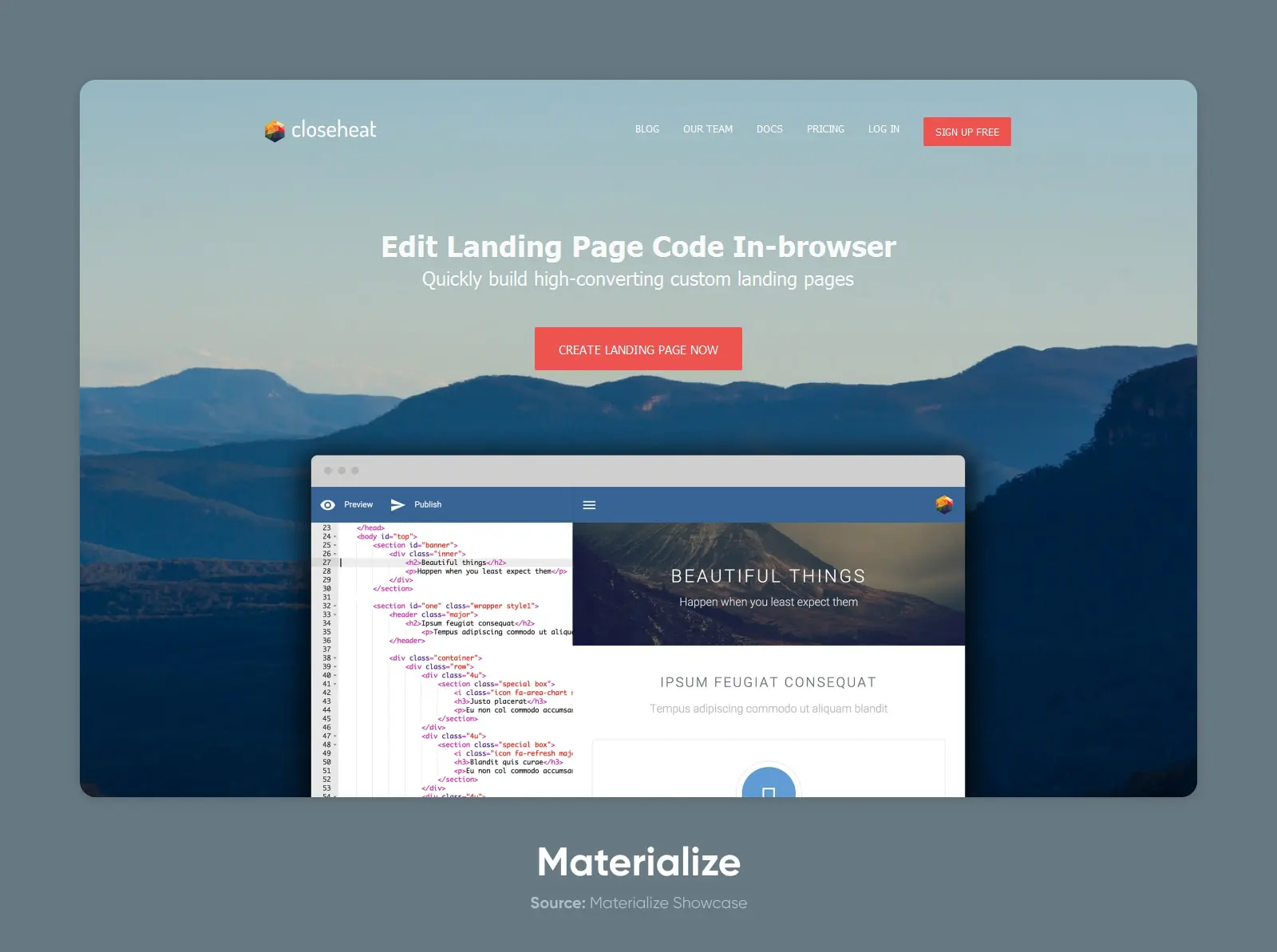
Materialize is used by a broad range of sites, but most sites in their showcase are small businesses and personal projects.
Why people love Materialize
Materialize is a simple, few-frills solution for setting up a clean and usable website. They don’t really offer the moon, but that’s one of the reasons people like it.
What people don’t like about Materialize
As is always the case, simplicity also means limitations. Materialize is not as full-featured or extensible as other frameworks, and relies on JavaScript for specific motions. The bigger issue: the original Materialize project went inactive, and the community forked it into the fully maintained MaterializeWeb (@materializecss/materialize) in 2021. Use the fork.
7. UIkit (UI Kit)
Another modular framework focused on website and web app interfaces, UIkit is slightly less popular than Semantic UI, but that doesn’t make it any less powerful.
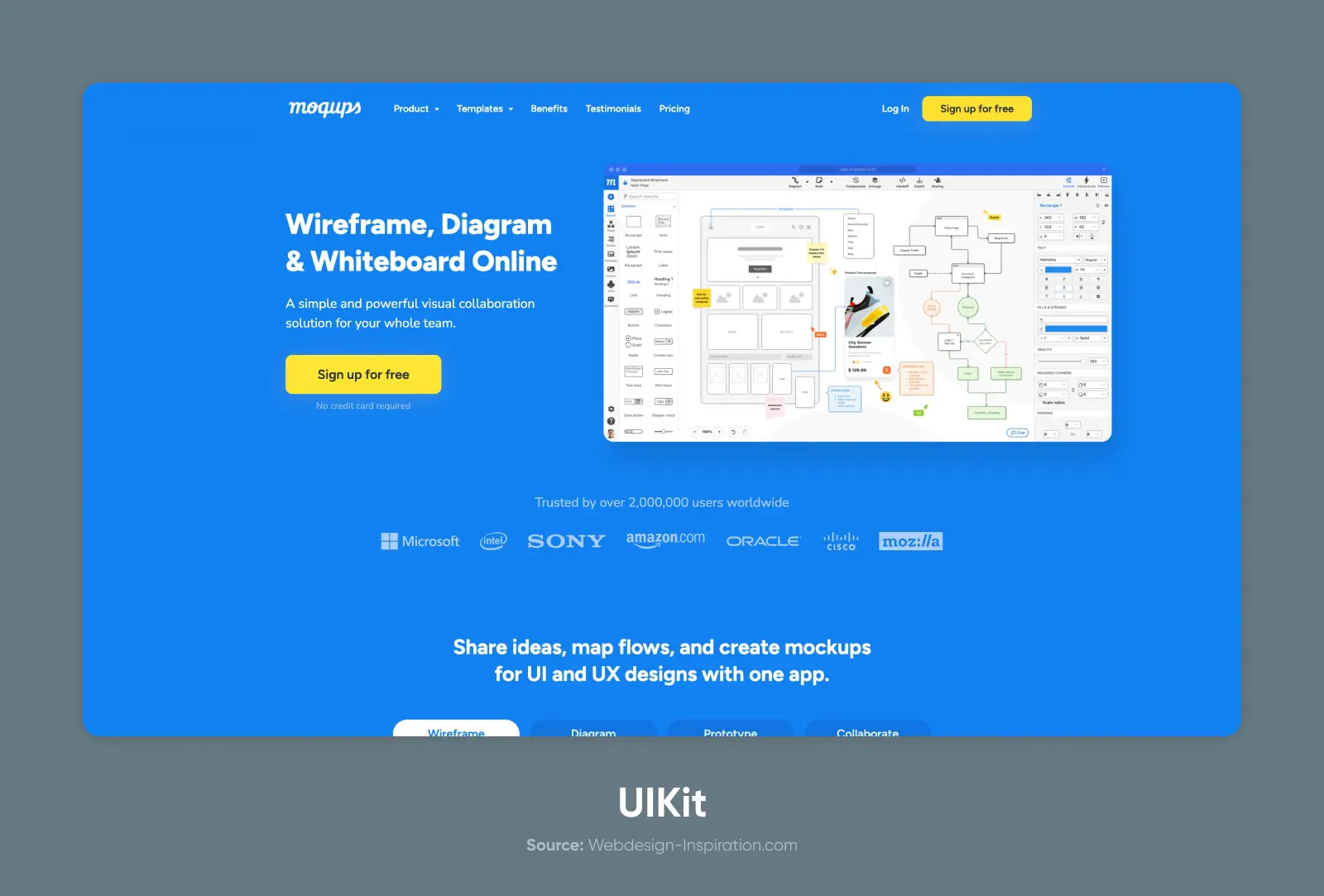
UIkit is a UI-focused framework, developed and actively maintained by YOOtheme, that’s used by many sites and web apps, including Crunchyroll, Moqups, and Rover.
Key features:
- Modular architecture with selective imports (huge!)
- Responsive grid system
- Sass variables and mixins for customization
- Extensive UI component library
Why people love UIkit
UIkit is perhaps a bit smaller in market share, but it’s also smaller in footprint, file size, and complexity.
Without losing much in the way of functionality, UIkit offers an extremely lightweight and comprehensive UI component library. It’s highly customizable with simple setup, using either the provided build process or using your own (with Less).
What people don’t like about UIkit
Probably the biggest drawback to UIkit is that it’s a bit more under-the-radar than some of the bigger and more popular frameworks.
But, you know, that makes it cool, right?
On a serious note: There’s a smaller community of users, which may make it more challenging to find answers to questions or find tutorials on specific implementations.
8. Ant Design
Ant Design is a bit more than a CSS framework; it’s a design system with a set of high-quality React components for building rich, interactive user interfaces.
Built and released by Ant Group (an affiliate of Alibaba), Ant Design is similar to design systems released by US tech companies like Alphabet and X (née Google and Twitter).
Key features:
- Comprehensive set of UI components
- Consistent design language and style
- Customizable themes and appearance
- Extensive documentation and community support
Examples of well-known websites using Ant Design (unsurprisingly): Alibaba, Tencent, and Baidu.
Why people love Ant Design
Ant Design is an extremely full-featured collection of resources for designers and developers. Going beyond just the CSS framework, there’s an entire system (nay, language) that can be applied directly to your own projects.
There’s a huge community, and the design system has been tried, tested, and proven across businesses and projects, generating billions of dollars in revenue.
Think of it like a franchise model for your web project.
What people don’t like about Ant Design
As you perhaps guessed, with extensive functionality comes extensive file size.
The other limitation is that Ant Design is pretty purpose-built for React projects. If you’re using another JavaScript library, it might be difficult to adapt the components.
9. Primer
The CSS framework behind GitHub’s design and UI components, Primer is a super popular framework choice for developers and developer-first websites and apps.
It’s purpose-built and feels familiar to anyone who’s spent time rooting around the repos.
Key features:
- Modular architecture with selective imports
- Responsive grid system
- Sass-powered customization
- Built-in accessibility features
Why people love Primer
Primer is like a great piece of infrastructure; it’s understated and simple, but does the job really well. Plus, knowing that the team behind GitHub created (and maintains) the library is a big boost to the longevity and reliability of the project.
What people don’t like about Primer
As you may have guessed, GitHub’s design aesthetic isn’t the right choice for every project.
So the main complaint is that Primer isn’t as universal as other frameworks, and isn’t an ideal choice for projects or websites not built for developers. It also has a limited UI component set tailored to GitHub products and developer tools.
10. Tachyons
“Fast-loading, highly-readable, and 100% responsive interfaces” is the promise of the Tachyons framework.
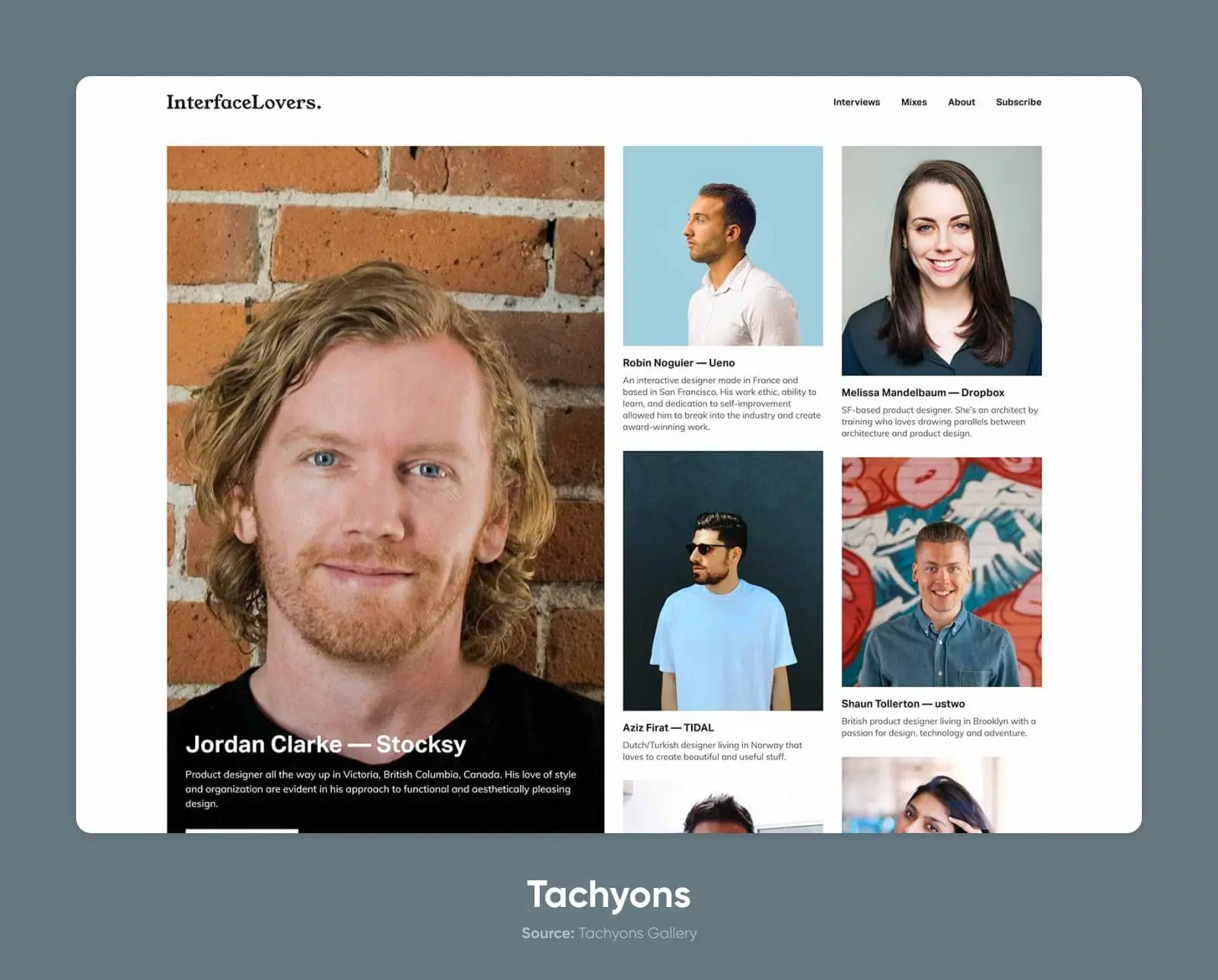
Built to use minimal CSS, Tachyons suits standing up a quick homepage, personal portfolio, or project site, though active development has stalled, so the framework you download today is the framework you’ll have in five years.
Key features:
- Atomic CSS architecture with utility classes
- Responsive design capabilities
- Minimal setup and configuration
- Small file size for fast loading
Why people love Tachyons
People love Tachyons because it’s a quick and simple framework. It’s lightweight and fast-loading, which makes it ideal for small projects, personal sites, and other simple use cases.
It’s like the Honda Civic (base model!) of frameworks.
You know what you’re getting. It works. And it’s reliable.
What people don’t like about Tachyons
It would take quite a bit of work to use Tachyons for a more complicated or visually complex project, meaning it won’t be the first choice for anyone looking for more than a simple, grid-powered page or two.
11. Pure (Pure CSS)
Yahoo!
That’s a name you don’t hear all the time. (Unless you’re on Jeopardy answering a question about alternatives to Google, maybe.)
But their CSS framework, Pure CSS, has become quite popular for hackers and hustlers alike. With 23.7k stars and 2.4k forks on GitHub (July 2026), it’s definitely one of the most popular choices on this list.
Key features:
- Small and lightweight
- Responsive grids
- Built on Normalize.css
- Out-of-the-box form handling
Why people love Pure
Pure CSS is a favorite power-up for custom CSS or as an addition to other frameworks. It’s ultra-lightweight and offers many useful components that can easily bolt onto existing systems.
This makes it simple to add grids, forms, buttons, tables, and more to your current stack.
What people don’t like about Pure
Pure works best as an add-on rather than a standalone framework. It doesn’t have a comprehensive library like other solutions and doesn’t offer theming or other features that make it easy to customize the look and feel of the project with a few quick edits.
12. Material Design Lite
Remember Materialize, the community framework built on Google’s Material Design? Google has also open-sourced a framework of its own: Material Design Lite. As the name suggests, it’s a lighter, simpler version of the Material Design-inspired framework.
It uses less JavaScript and is built to be more accessible on a broader range of devices and browsers.
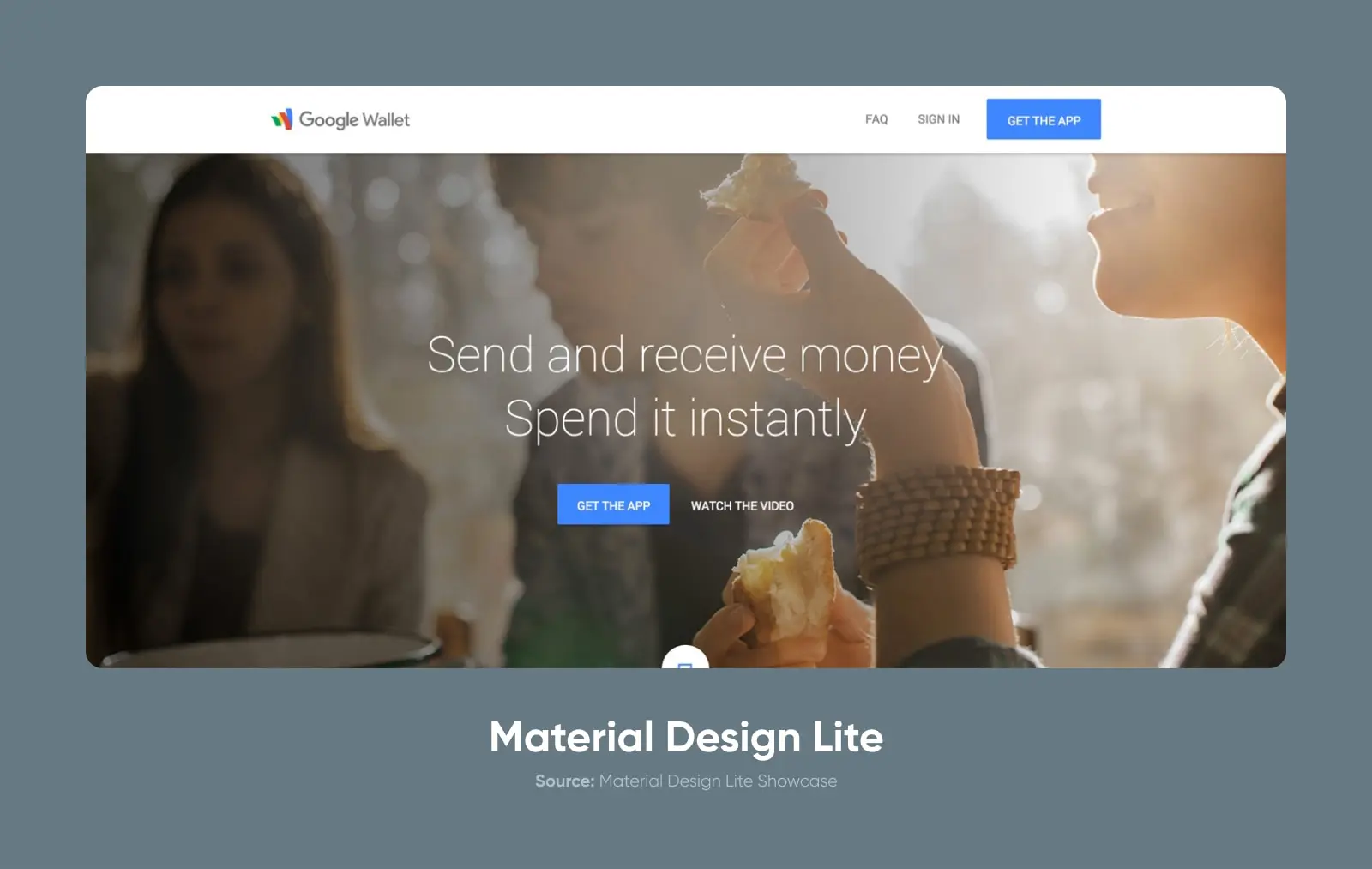
In its heyday, Material Design Lite (MDL) powered Google properties like Google Wallet and Google’s developer site.
Key features:
- Material Design philosophy and UI components
- Large number of components out of the box, such as buttons, cards, sliders, spinners, and more
- No external dependencies
- Theming options
Why people love MDL
MDL comes with an ultra-functional set of components for apps, forms, and more.
Since it’s built on Material Design principles, usability and accessibility are front and center in the designs and the components.
What people don’t like about MDL
MDL is deprecated and now receives only limited support; active development moved to Google’s Material Components for the web.
Beyond that, the whole aesthetic can feel a bit limiting. It feels very much like it was created for Google products, for better or worse.
13. Spectre.css
Spectre is another lightweight, minimalist framework that gives you many of the building blocks you need to go from zero to launch with a good-looking site and familiar UI components. The catch: the original project is no longer actively maintained.
Key features:
- Small (~10KB gzipped) filesize
- Flexbox-based grid
- Built-in utility classes
Why people love Spectre
Spectre is ideal for a simple, minimal, and clean aesthetic. The focus here is on pure usability and efficiency — you won’t get a lot of extra bells or whistles, but it’ll do the job.
What people don’t like about Spectre
If you’re looking for a sprawling framework with advanced theming options, a thriving community, and tons of documentation, this probably isn’t the pick for you.
Spectre is a little more under the radar. It’s a capable tool for the job but doesn’t have anywhere near the kind of popularity and adoption as Foundation or Bootstrap. And since the original repo has gone dormant, evaluate community forks (such as vianetz/spectre-css on GitHub) before adopting it.
14. Milligram
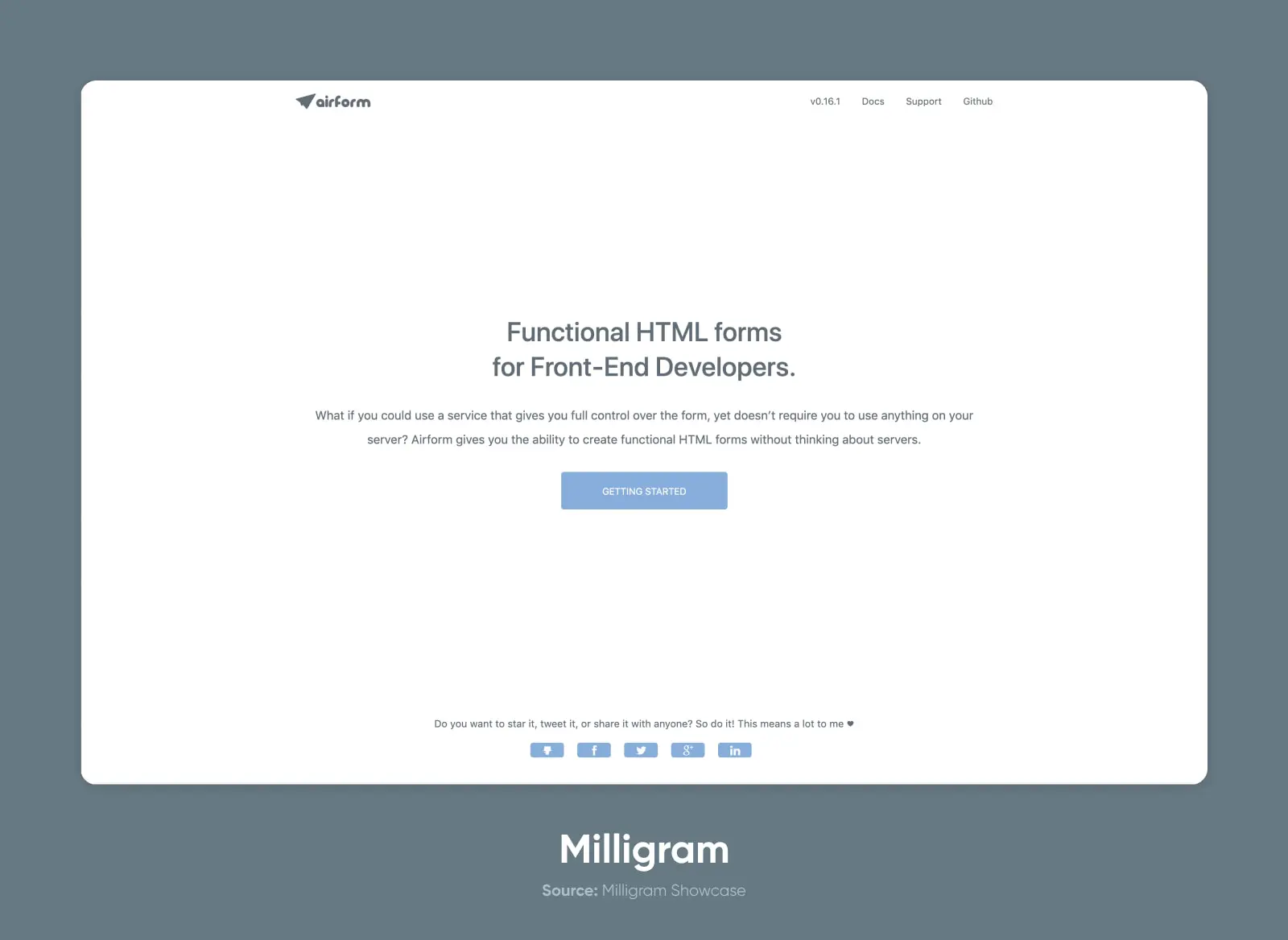
Another lesser-known framework whose active development has largely stalled, Milligram is extremely small and lightweight, even more so than the other small frameworks we’ve covered.
It’s the ultimate option for minimalist design and a quick, straightforward solution for standing up a project.
Key features:
- Minimalist design
- Very small (~2kb gzip)
- Flexbox grid system
Why people love Milligram
Milligram is potentially the lightest, simplest CSS framework you can use to build a project right out of the box. It has many of the most important features of other frameworks but with an astonishingly small footprint.
The conventions and classes also make it pretty easy to learn on the fly.
What people don’t like about Milligram
Milligram suffers from the same drawbacks as other lesser-known systems on the list. Lower overall popularity means that there’s less community support. Even so, the documentation is on par with much larger frameworks, and the simplicity may reduce the need for any additional help.
15. Water.css
Water is a classless CSS system you just drop into a static site, though it’s no longer actively developed, and Pico CSS (below) is the maintained class-less pick. It’s not a system in the way that the other frameworks are designed. Instead, it applies the styles directly to the HTML elements on the page, giving you a quick design system without the need (or ability) to build more complex layouts.
Key features:
- No classes
- Extremely lightweight
- Two themes out of the box: light and dark mode
- Fully responsive
Why people love Water
Water is great for a quick CSS solution, a boilerplate of styles, or a simple mockup.
It does what it says on the tin, making it a great, ultra-fast, no-fuss solution.
What people don’t like about Water
Water’s simply not going to work for any complex website or app project. It doesn’t have grids, it lacks many components that you’d need for larger projects, and ultimately prioritizes simplicity (to the extreme) at the expense of customization or extensibility.
Bonus: Pico CSS
If you like Water’s drop-in approach but want a project with a future, meet Pico CSS, the actively maintained leader of the class-less category, currently at v2 with 14.8K GitHub stars (July 2026).
Pico styles semantic HTML elements directly, using fewer than 10 classes total (there’s a fully class-less version, too). You get automatic light and dark modes based on the user’s system preference, more than 130 CSS variables for theming, and zero JavaScript dependencies.
The trade-off is the same as any class-less framework: it’s brilliant for content sites, docs, and prototypes, but you’ll outgrow it on a component-heavy web app.
16. Vanilla
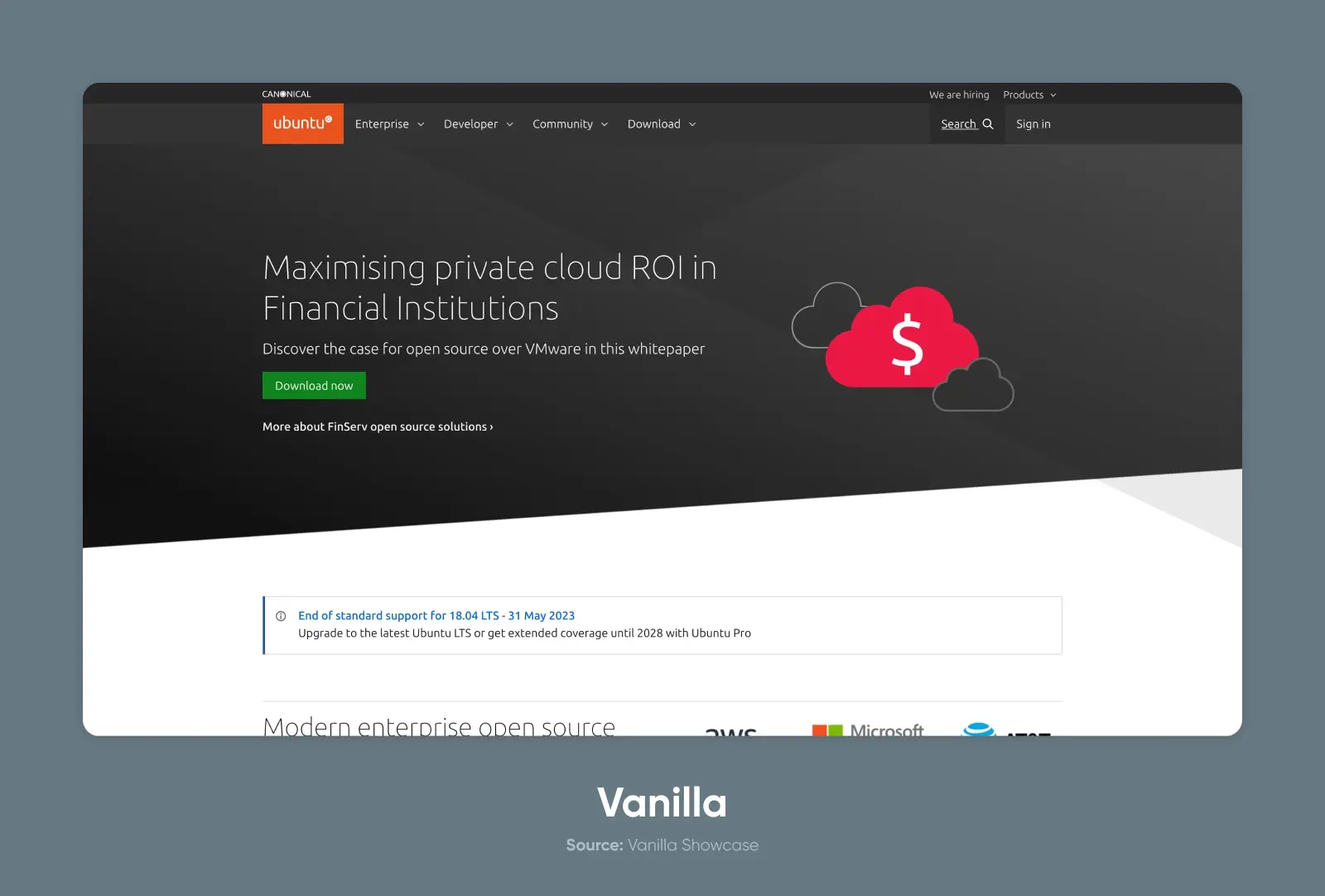
Vanilla Framework or Vanilla CSS (not to be confused with the colloquial term vanilla CSS, referring to base-level or traditional CSS) is a framework created and used by Canonical, the company that makes Ubuntu.
Key features:
- Scalable architecture suitable for large web projects
- Modular systems
- Built on Sass
Why people love Vanilla
Although less popular than the big frameworks like Bootstrap, Vanilla has the backing, resources, documentation, and even support of an enterprise-level product.
There’s an extremely detailed analysis related to accessibility and meticulously detailed notes on compatibility with different browsers (down to the specific version) and screens.
The components and styling are simple and universal, too.
What people don’t like about Vanilla
The project might indeed be a bit vanilla for some tastes. That is to say, the design aesthetic is largely neutral and functional without much flair.
How to choose the best CSS framework for your project
Now that we’ve shared 16 awesome options, how do you choose the right one?
Let’s start with the verdicts. If you just want an answer, here’s ours:
- Best overall: Bootstrap. It powers 13.8% of all websites (W3Techs, July 2026), it’s actively maintained, and its enormous community has already answered every question you’ll ever ask.
- Best for custom design systems: Tailwind CSS, the clear developer favorite in the State of CSS 2025 survey.
- Best lightweight pick: Pure, at just 3.7KB minified and gzipped.
- Best class-less option: Pico CSS, for polished semantic HTML with zero classes.
- Best for React apps: Ant Design.
- Best for beginners: Bulma, thanks to its plain-language class names.
Not sold yet? These are the key questions that will narrow down your options.
Project requirements and goals
The best place to start is by understanding the type of project you’re building. If you’re creating a simple website for a small project or personal use, then a lightweight and simple system like Pico CSS or Pure is a great fit.
But if you need something more full-featured, you might opt for Foundation or Bootstrap.
Learning curve and ease of use
Next, consider the system’s complexity versus your or your team’s capabilities. Are you experts at diving into new CSS frameworks? Or is this your first time using something that’s not home-baked?
Understanding how to use a CSS framework takes a bit of learning in and of itself. If you’ve never worked with a framework, you’d probably be better off choosing a simple starting option. Then, once you have the hang of the meta, you can dive into learning more complex systems.
Customizability and flexibility
Are you building something that needs to adhere tightly to existing brand or design guidelines?
Then you’ll want to choose an option that has built-in theming and customization to make it easy to match the necessary styles and design systems.
If you’re more adaptable, you can choose a system with a distinct style but that lacks some of the flexibility of the more full-featured systems.
Community support and resources
Having a community of folks using the framework can make all the difference. Look for community forums, Discord servers, or subreddits to see how many people are helping other users and how active the community is for each framework.
Performance and file size
Be sure to consider the file size and performance of the frameworks you evaluate. The differences are real: gzipped, Tailwind’s production output typically comes in under 10KB, Bootstrap at about 16KB, and Foundation at about 34.7KB, per Strapi’s 2026 framework roundup — while Pure weighs just 3.7KB and Milligram about 2KB.
JavaScript-dependent components add script weight on top of the CSS, which drags on INP (Interaction to Next Paint), the Core Web Vitals responsiveness metric that replaced FID in March 2024. CSS-only frameworks like Bulma and Pico add no script weight at all.
While your website’s performance is influenced by many factors (like your web hosting), the CSS can also greatly impact your pages, file sizes, and loading speed.
When you don’t need a framework at all
Honest answer: sometimes the best CSS framework is none. Modern CSS has absorbed many of the features that once made frameworks essential: Grid and Flexbox for layout, container queries for responsive components, and native nesting and custom properties for maintainable styles.
Our rule of thumb: if the whole site is a handful of pages with a custom design, hand-written CSS will usually weigh less than even Milligram’s ~2KB, loads nothing you didn’t write, and leaves you nothing to migrate off if a framework stalls. Reach for a framework when a team needs shared conventions or a deadline needs prebuilt components.
Check the project’s pulse before you commit
Several frameworks on this list looked like safe bets a few years ago and have since stalled. Before you build on one, spend five minutes on its repository: When was the last release? Are maintainers responding to issues? Is there an active fork?
And have an exit plan. If your framework stalls, or a major version breaks things, you have three realistic paths: pin the last stable version and treat it as frozen, move to a maintained community fork (Fomantic-UI and MaterializeWeb exist for exactly this reason), or migrate page by page to a maintained framework, starting with the components you touch most often.
Using a CSS framework with WordPress
Running WordPress? You can use any framework on this list — just enqueue its stylesheet in your theme’s functions.php (ideally in a child theme) rather than pasting link tags into templates.
Two cautions: your theme and page builder already ship their own CSS, so watch for style collisions, and if you’re on a modern block theme, its built-in layout and spacing controls may already cover what you wanted the framework for.
CSS framework FAQs
What is the best CSS framework?
Bootstrap is the best overall pick: it powers 13.8% of all websites (W3Techs, July 2026) and has the largest community. Tailwind CSS is the best choice for custom design systems, and Pico CSS is the best class-less option for simple sites.
Should I use Tailwind or Bootstrap?
Use Bootstrap for prebuilt components and the fastest path to a professional-looking site. Use Tailwind CSS for a custom design built from utility classes. Bootstrap is more widely deployed across the web; Tailwind leads developer surveys like State of CSS 2025.
Do I need a CSS framework at all?
No. Modern CSS features like Grid, container queries, and native nesting cover most layout jobs frameworks once existed for. Skip one for a small, custom-designed site. Choose one when a team needs shared conventions or prebuilt components — and remember, a framework is a dependency you may someday migrate off.
Are any popular CSS frameworks no longer maintained?
Yes. Semantic UI, Materialize, Tachyons, Water.css, Spectre.css, and Material Design Lite have all stalled or been deprecated. Community forks continue two of them: Fomantic-UI (for Semantic UI) and MaterializeWeb (for Materialize). Always check a project’s release history before committing.
What is a class-less CSS framework?
A class-less framework is a stylesheet that styles semantic HTML elements directly — no classes required. Drop in one file and your headings, forms, tables, and buttons immediately look polished. Pico CSS and Water.css are the best-known examples; Pico is the actively maintained one.
Keep building
Hopefully this list of CSS frameworks gave you an idea of where to start on your next project.
Whether you’re building the next Facebook or a personal website to showcase your rock collection, we love helping creatives and entrepreneurs build a beautiful internet.
Be sure to sign up for our newsletter to get the latest how-to guides, trends, and tips on building and growing your website and business.