![14 Small Business Apps That Get Stuff Done [2026 Edition] thumbnail](https://www.dreamhost.com/blog/wp-content/uploads/2026/08/blog-hero-best-small-business-apps-dreamops-9c2946994cb5508e0df85831-730x487.webp)
It’s Monday morning. And once again, your task list looks like Everest. There are even clouds obscuring the summit.
Sound familiar? You’re not alone.
For most owners, the day-to-day — invoicing, bookkeeping, scheduling posts, chasing payments — swallows the hours that were supposed to go toward actually growing the business.
This might seem like an inescapable fact, but it’s completely possible to flip the numbers in your favor. You just need the right workflow.
The short answer: the best small business apps in 2026 are QuickBooks for accounting, Asana or Trello for project management, Square or PayPal for payments, Metricool or Buffer for social media, Mailchimp for email marketing, and Slack for team communication. Nearly all of them offer free plans or free trials, so you can build a working toolkit before you spend a dime.
Below, we break down every pick — what it does best, standout features, and available pricing details — from project management to social media marketing.
Let’s get started, shall we?
Which Apps Are Right for Your Small Business?
Well-made business software can definitely enhance your work and automate certain tasks.
But there’s no point in adopting new apps unless they solve an existing problem in your business.
So, before you go shopping, take a moment to consider what your business truly needs:
- Which tasks are soaking up hours of precious time every week?
- Which gaps do you need to fill?
- And how can you improve what you’re already doing?
Once you’ve pinpointed the problems you’re trying to solve, you can start hunting down the perfect solutions.
Apps That Solve Common Small Business Problems
While every business has unique challenges, some problems are almost universal.
Ever had a headache from doing the accounting, or found yourself struggling to keep up with client communications? Yup, we thought so.
To help you solve these thorny issues, we curated the list below.
Simply scroll until you see a topic that resonates, and check out our recommended apps!
(In a rush? Skip straight to the end for our toolbox selector!)
The Best Apps for Reducing Accounting Headaches
Like most small business owners, you probably keep your own accounts. And you probably absolutely hate it.
The following apps should make the process less painful, while also providing an overview of financial health:
1. QuickBooks: Best Overall Accounting App for Small Businesses
QuickBooks is the veteran of this category — Intuit’s own pricing page touts 28 years of helping small businesses — but it’s not collecting dust. The cloud version, QuickBooks Online (QBO), runs in your browser and on mobile, so your books follow you everywhere.
With multiple plans and the option to add payroll, QBO can flex to fit just about any small business. The starter plan covers your invoices, expenses, and payments, while higher tiers add inventory tracking, deeper reporting, and automated workflows.
It’s versatile, reliable, and has everything you need to keep your business finances in order.
Features:
- Invoicing: Behind on invoicing clients? Create custom, branded, and professional-looking invoices with just a few clicks, and accept credit cards and bank transfers right in the invoice.
- Accountant Access: Share your books with your accountant by giving them their own secure login — no file transfers or email attachments needed.
- Expense tracking: QuickBooks helps categorize your expenses by learning how you categorize income and expenses, then automatically matching and recording transactions.
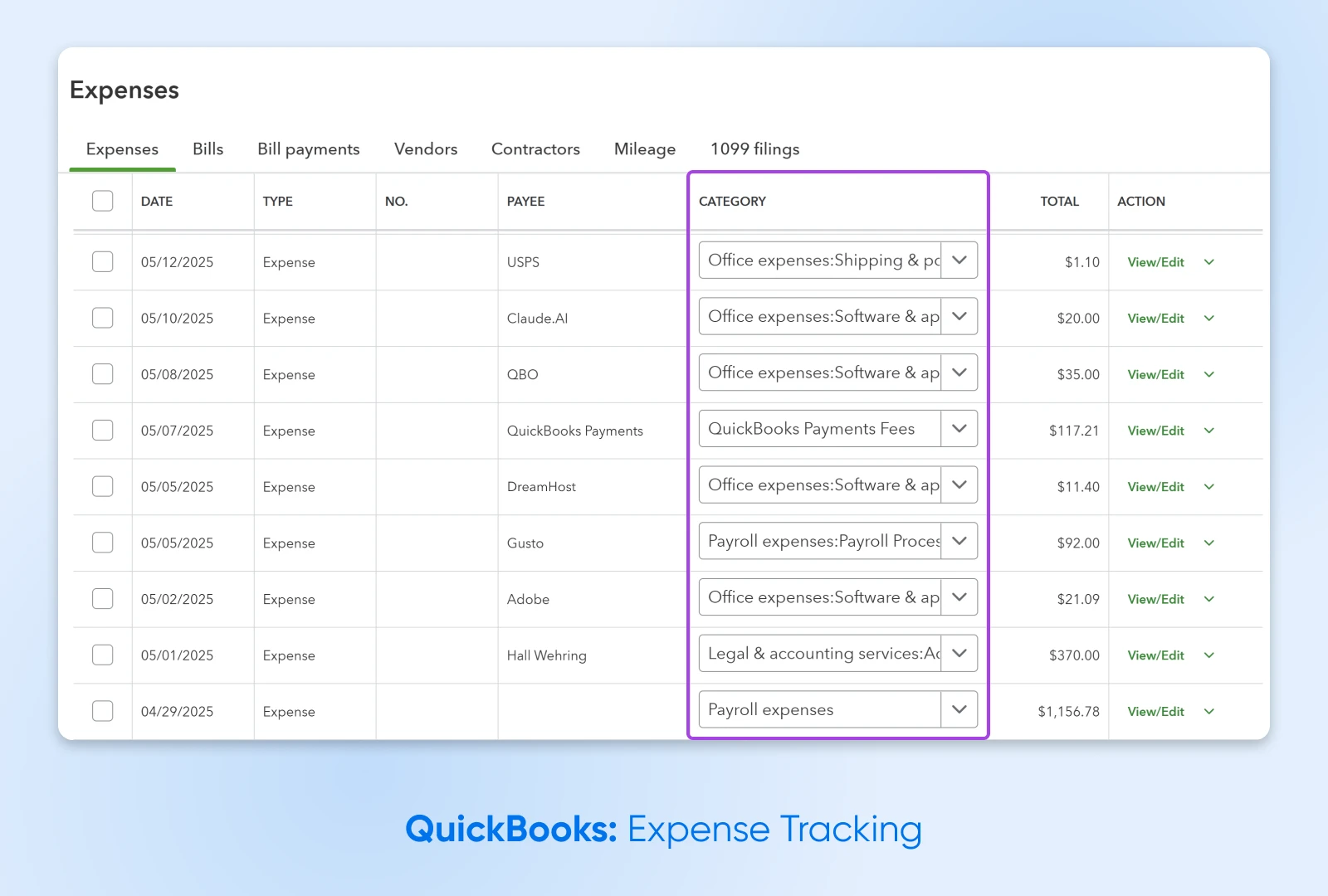
QuickBooks pricing:
QuickBooks Online starts at $38 per month for the Simple Start plan, with a 30-day free trial option (as of August 2026).
2. FreshBooks: Lightweight Alternative With Time-Tracking
FreshBooks is aimed at freelancers, consultants, solopreneurs, and small businesses in the early stages of growth. It’s designed with simplicity in mind, and it comes with additional features that are perfect for service-based businesses (like creatives, consultants, agencies, and coaches).
Aside from basic accounting, FreshBooks can help you invoice faster, manage client projects, and stay on budget.
Features:
- Mobile Mileage Tracking: Automatically track business mileage on the FreshBooks mobile app — log business trips and keep accurate mileage records for tax time.
- Client portal: Clients get access to an account portal where they can store payment details and pay online.
- Time-tracking: Log your billable hours directly in the app and easily add them to an invoice.
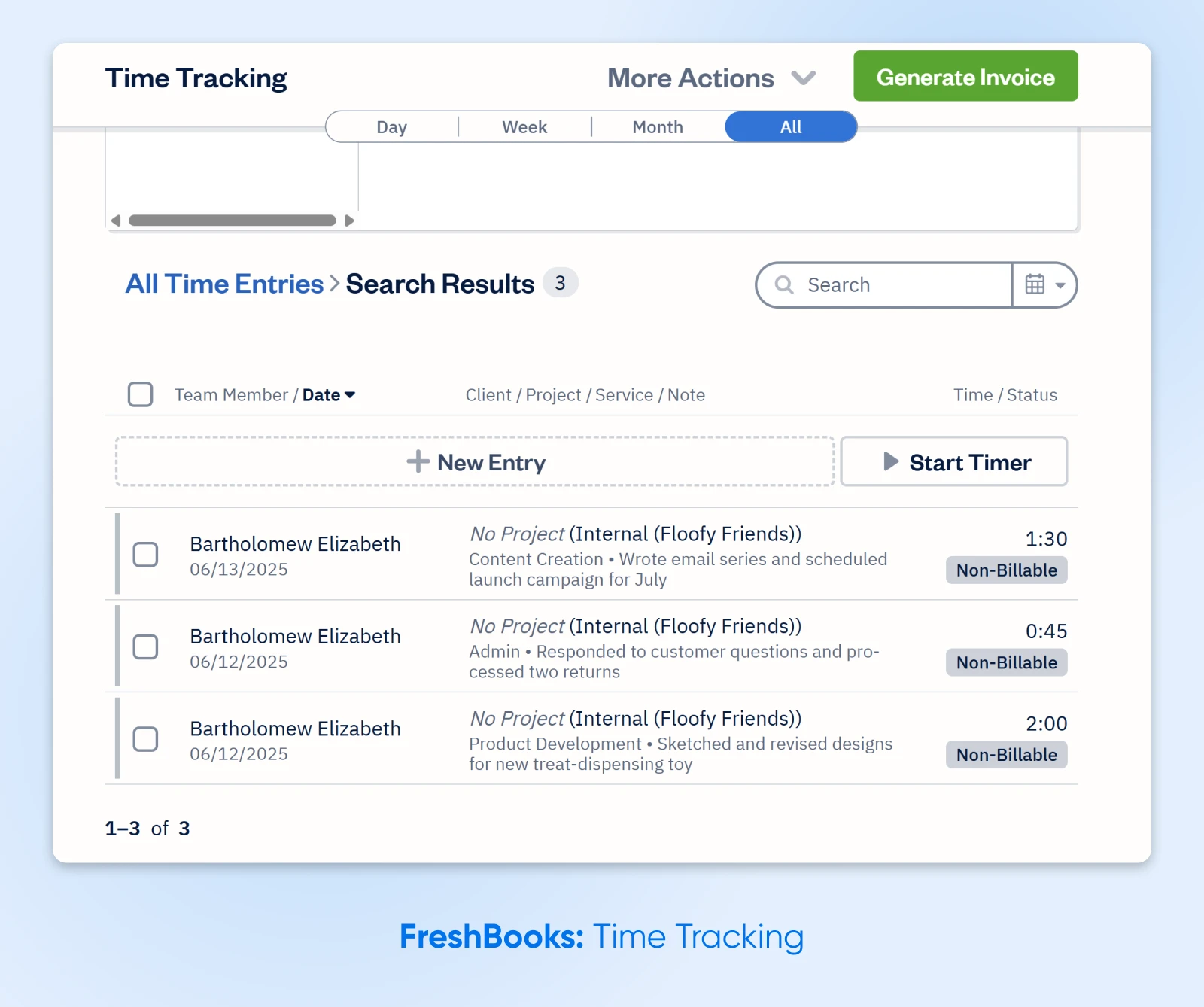
FreshBooks pricing:
FreshBooks’ most popular plan, Plus, runs $43 per month (as of August 2026). There’s a 30-day free trial, backed by a 30-day money-back guarantee.
The Best Apps for Managing Multiple Projects
Project management — knowing what needs to get done, who’s responsible, and when it’s due — gets especially tricky when you have a handful of projects with looming deadlines.
Keeping everything on course can feel like juggling 10 balls at once while you’re swinging on the high trapeze. Someone send in the clowns…
Here are some affordable options to minimize the stress.
3. Asana: Best Multi-Purpose Project Manager
Asana is a popular project management app designed to help you plan, track, and follow through on that big to-do list.
It’s useful whether you’re managing a team, juggling multiple projects, or just trying to keep your own to-do list in order.
You can break out projects into multiple tasks, assign them to others, and keep everyone on the same page with easy and open comms.
Features:
- Task management: Create to-dos, assign tasks, set deadlines, and track progress.
- List, board, and calendar views: Visualize your project using different views and understand how much time and work it’ll take to get it done.
- Shared workspace: Comment on tasks and attach files, and stay connected with built-in messaging and status updates.
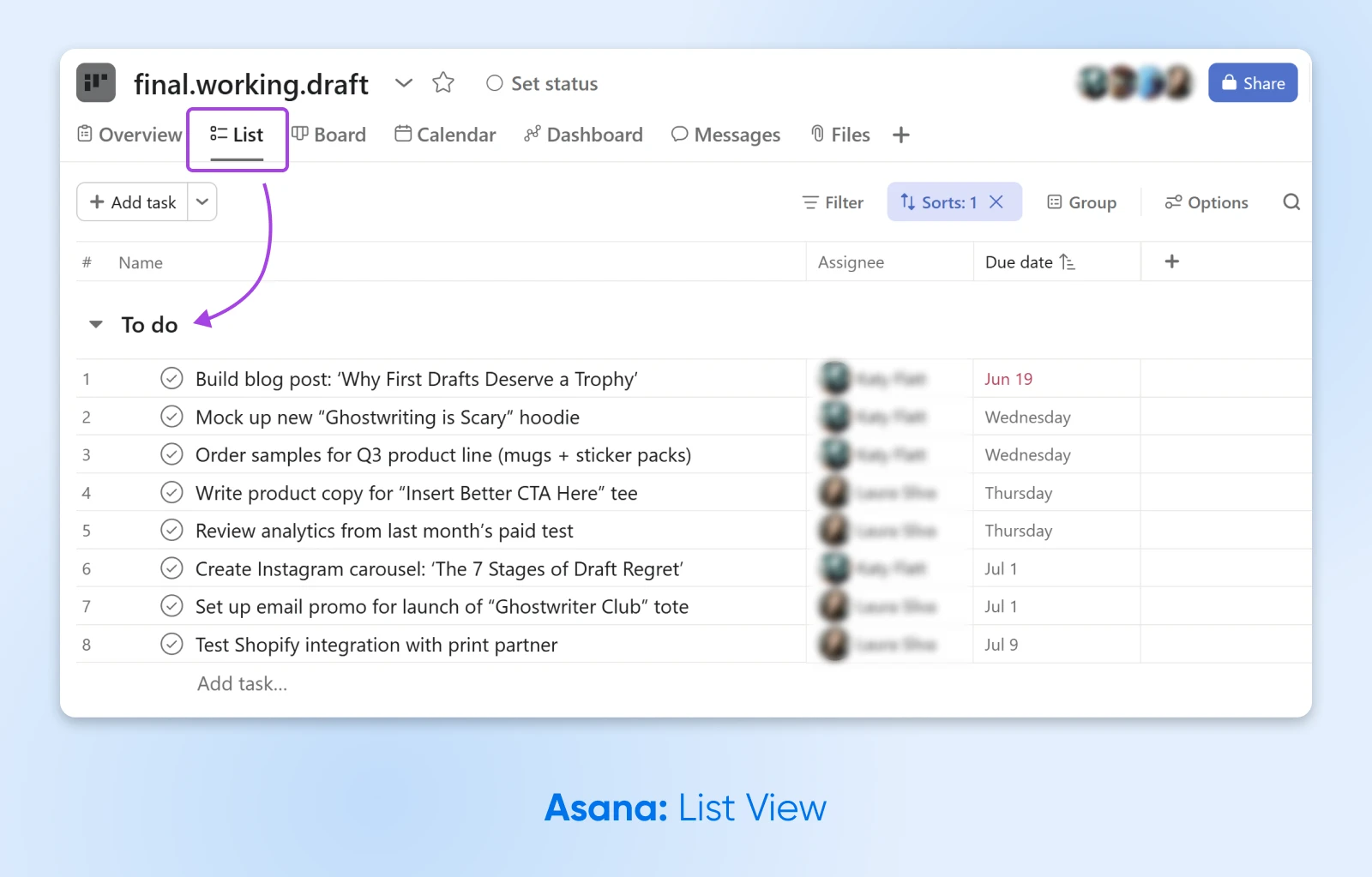
Asana pricing:
The Personal plan is free for up to two users. The Starter plan is $10.99 per user per month billed annually, or $13.49 billed monthly (as of August 2026).
4. Trello: Flexible, Visual Project Management
If you’re more of a visual thinker, Trello may be the way to go.
This app uses a simple, card-based system organized with boards (incl. Kanban) to help you map out your work at a glance. It’s super intuitive; you can just drag, drop, and rearrange tasks as your priorities shift.
Features:
- Automation: Once you set some rules, Trello’s built-in, no-code automation can move cards, set deadlines, and trigger other actions on every board.
- Quick capture: Easily save tasks, notes, or messages from email, Slack, or Microsoft Teams — so nothing slips through the cracks.
- Kanban boards: Organize your tasks into cards and boards, and organize them in columns based on status or linear workflow steps.
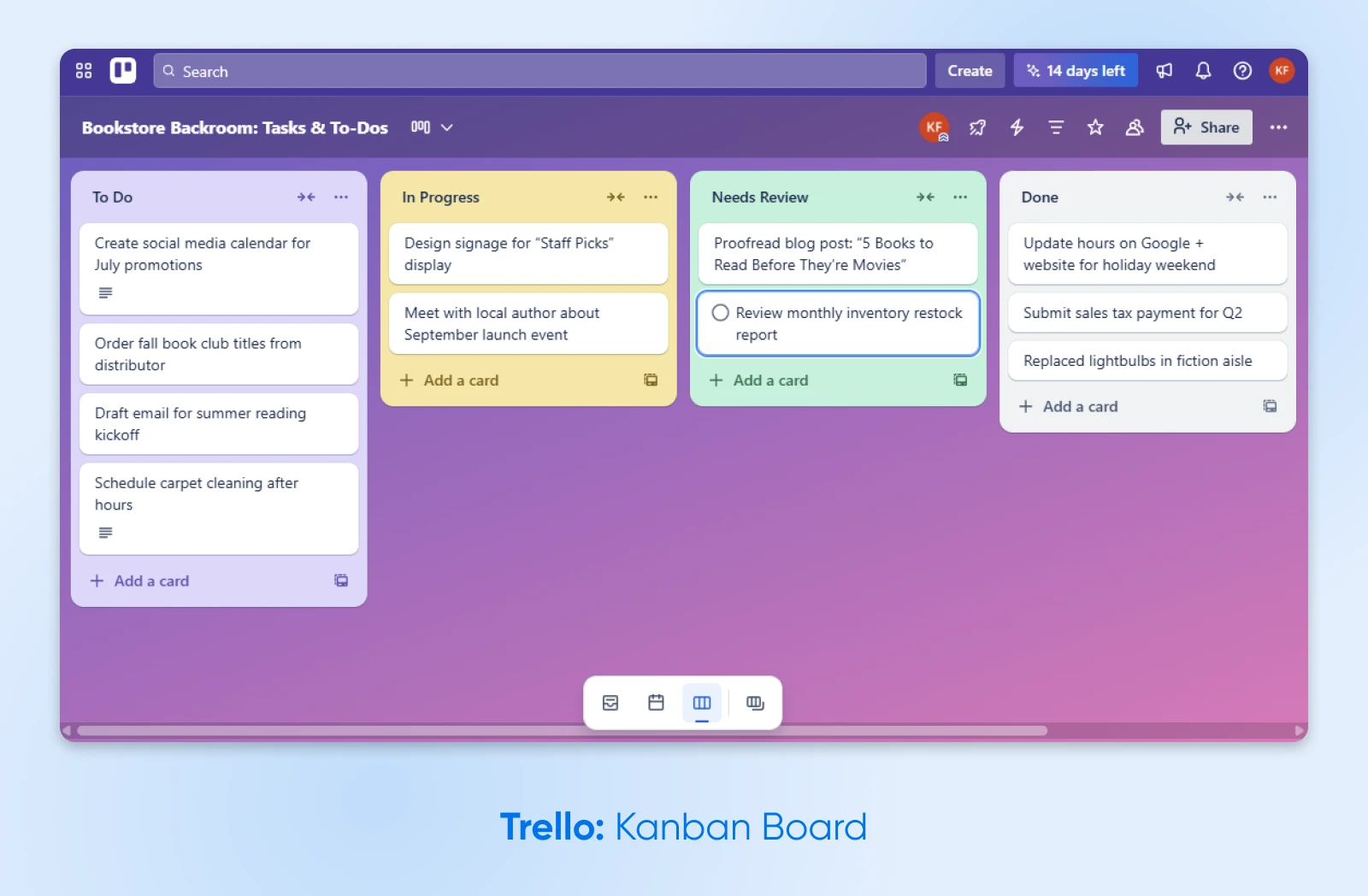
Trello pricing:
Trello’s free plan covers up to 10 collaborators per workspace. The Standard plan is $5 per user per month billed annually, or $6 billed monthly (as of August 2026).
5. Toggl: Time Tracking for Small Teams
Want to track the time your team is spending on various tasks? Toggl can help.
This dedicated time tracking app is really easy to use, and it integrates with 100+ other tools via its browser extension.
It’s ideal for freelancers and small consultancies who need to track their billable time and invoice clients.
Features:
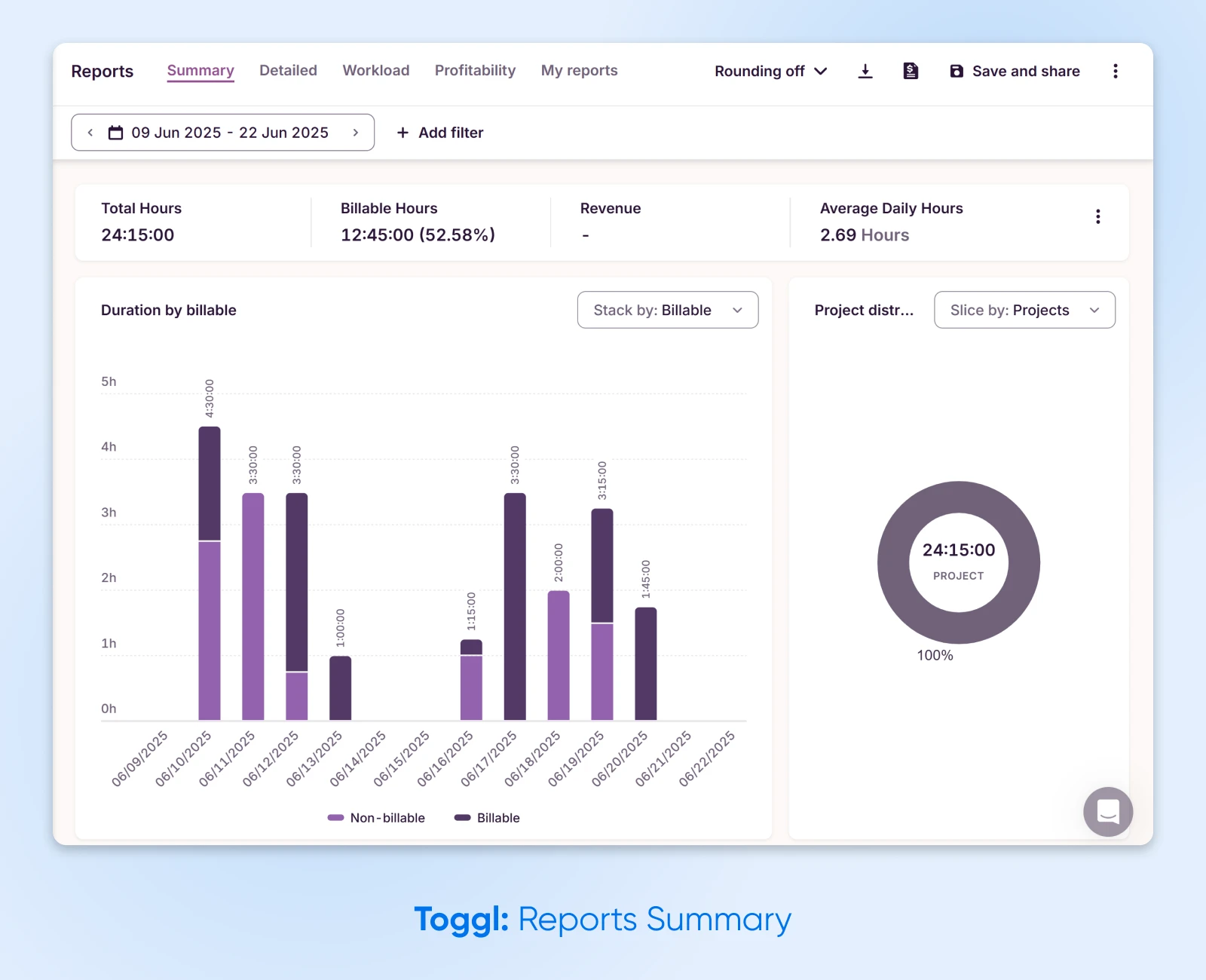
- Background time tracking: Toggl’s desktop apps can track the apps and websites you use, or you can start a timer with a click.
- Record billable hours: Set billable rates, generate PDF invoices, and send invoices straight to QuickBooks with the native integration.
- Team reporting: Build custom reports to track productivity, revenue, and workload across your team.
Toggl pricing:
Toggl Track’s free plan is free forever for a limited number of users. Paid plans start at $9 per license per month for Starter, and the Premium plan comes with a 30-day free trial (as of August 2026).
The Best Apps for Managing Customer Payments
When you’re selling services or products, accepting payments shouldn’t feel like solving the mysteries of the universe.
A good payment processing app can make things smooth sailing for both you and your customers. Here are our favorites:
6. Square: Cross-Platform Payment Processing
Square does a great job of simplifying payment processing across the board.
It has a sleek point-of-sale system for in-person sales, tools for selling online, simple invoicing features, and built-in analytics to track performance.
Plus, the pay-as-you-go pricing works well for smaller businesses.
Features:
- Messaging: Square’s Messages tool lets you handle customer communication from the same platform you use to get paid.
- Point-of-sale (POS): Accept in-person payments with a mobile card reader or POS dock, or on your website — you can even take payments with no hardware at all via payment links and Tap to Pay on iPhone or Android.
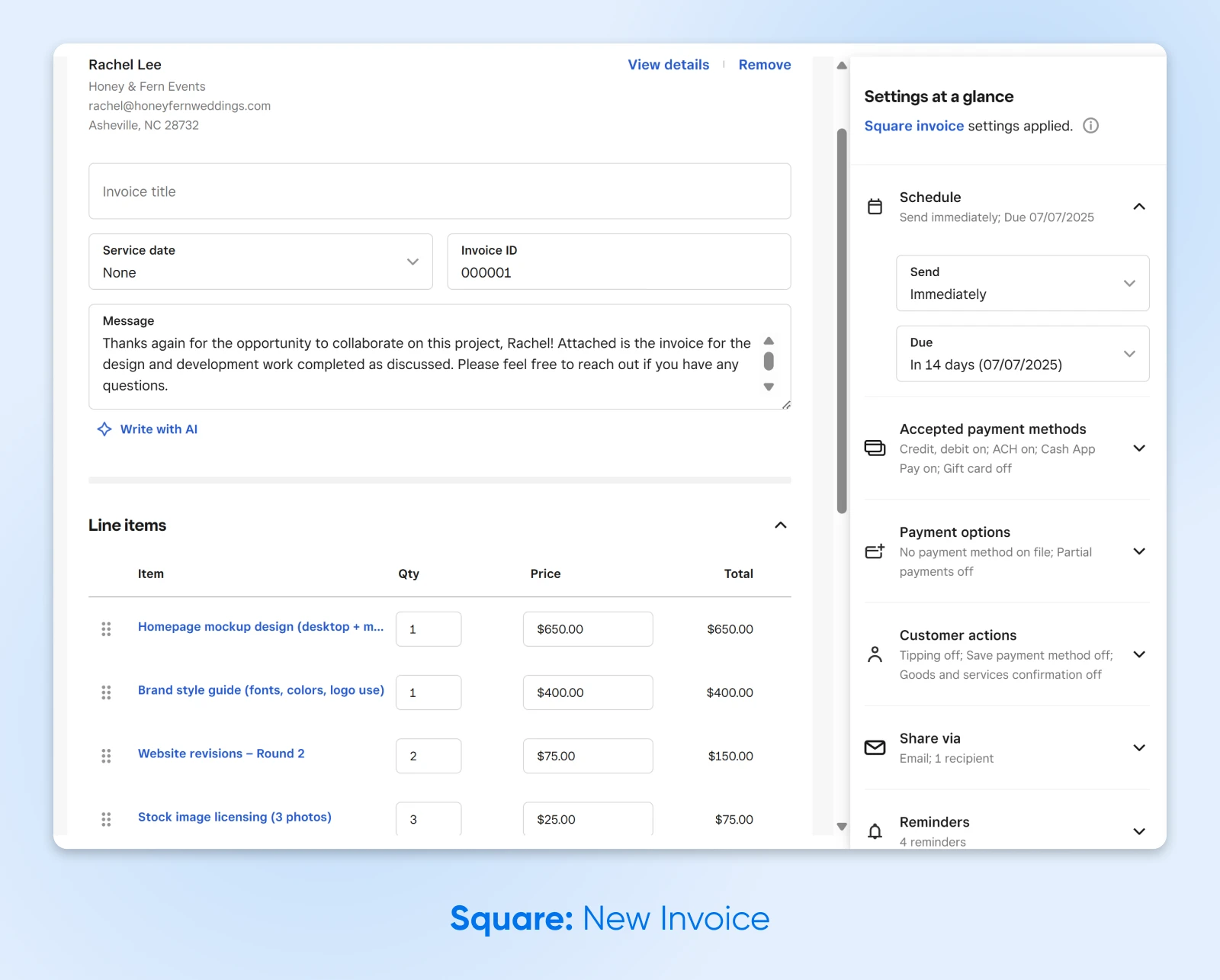
- Invoicing: Send digital invoices and accept payments online — a lifesaver for any service-based business.
Square pricing:
Square Free has no monthly subscription costs — you only pay processing fees when you take a payment: 2.6% + 15¢ when a customer taps, dips, or swipes a card in person, and 3.3% + 30¢ for online or invoice card payments (as of August 2026).
7. PayPal: Convenient Online Payments for International Transactions
PayPal is a popular choice for businesses that take online payments.
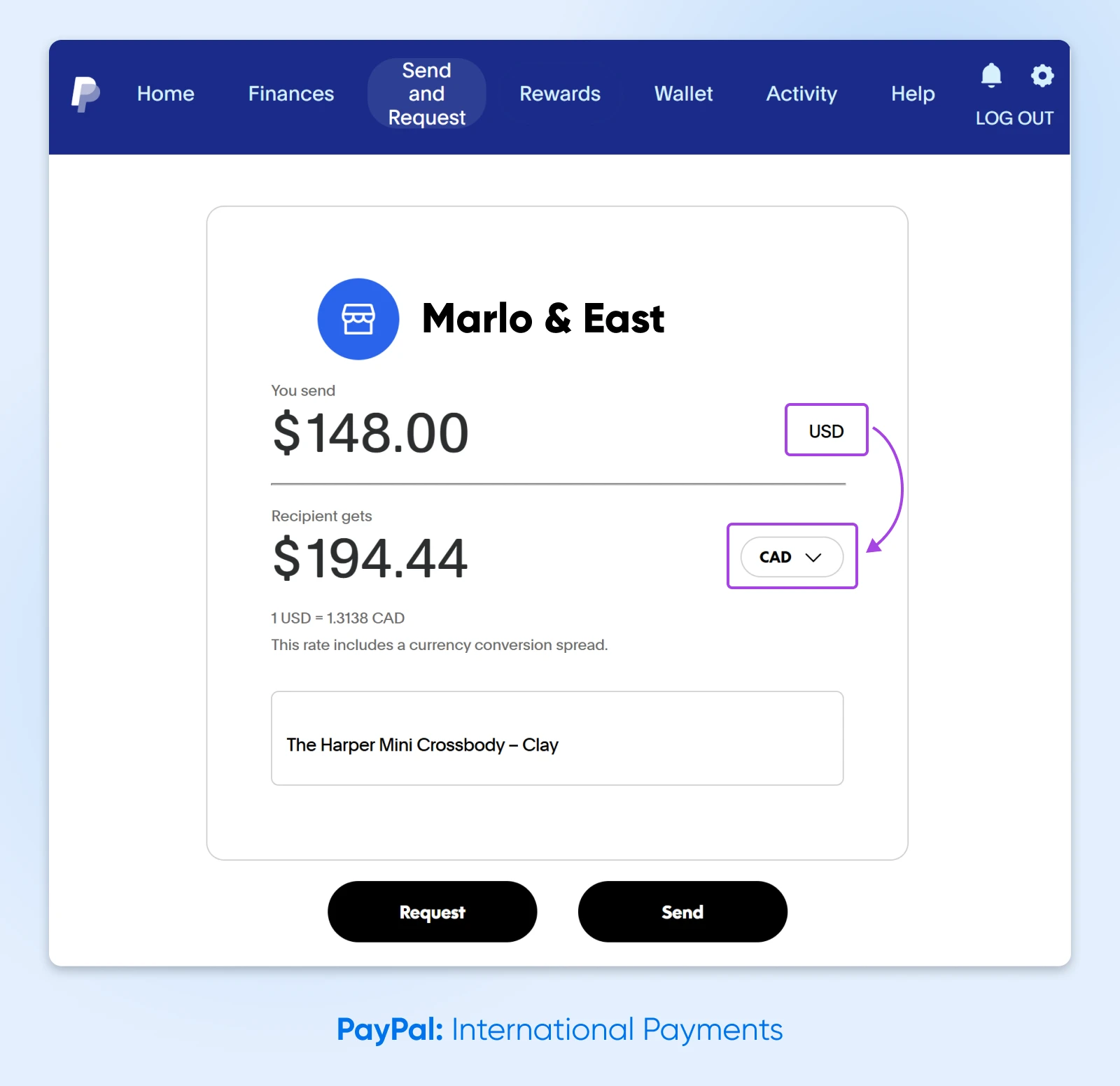
Why? This payment app makes it so simple to handle international transactions in multiple currencies.
That said, fees can add up. But, while it’s not always the most cost-effective choice for small businesses, PayPal is still a solid option for e-commerce sellers just getting started.
Features:
- Online payments: Easily accept payments on your website via credit card, bank transfer (ACH), or direct PayPal payments.
- In-person payments: PayPal also supports point-of-sale and QR code payments, so you can accept payments face to face.
- International payments: Accept payments in multiple currencies — PayPal’s fee schedule covers more than 20 — and open your business to a global customer base.
PayPal pricing:
PayPal charges processing fees per transaction rather than a flat subscription. For US merchants, PayPal Checkout costs 3.49% plus a fixed fee per domestic transaction, standard credit and debit card payments cost 2.99% plus a fixed fee, and international transactions add another 1.50% (per PayPal’s fee schedule, last updated July 15, 2026).
The Best Apps for Social Media (Without Wasting Time)
Social media allows you to connect directly with your audience, build your brand, and even offer real-time customer service… but wow, can it be time-consuming.
If you’d like to spend less of your day posting stories and replying to comments, try these apps for size.
8. Metricool: Best All-in-One Social Media Tool
A great option for small businesses managing their own social media, Metricool lets you schedule posts, track performance, and keep an eye on your competitors, all in one app.
It also includes link-in-bio tools, downloadable reports, and integrations with platforms like Canva, Adobe Express, and Google Drive.
Features:
- Competitor tracking: See how your content compares to others in your space — even the free plan analyzes 5 competitor profiles.
- AI assistant: Generate content ideas or draft posts faster with help from the built-in AI social media assistant.
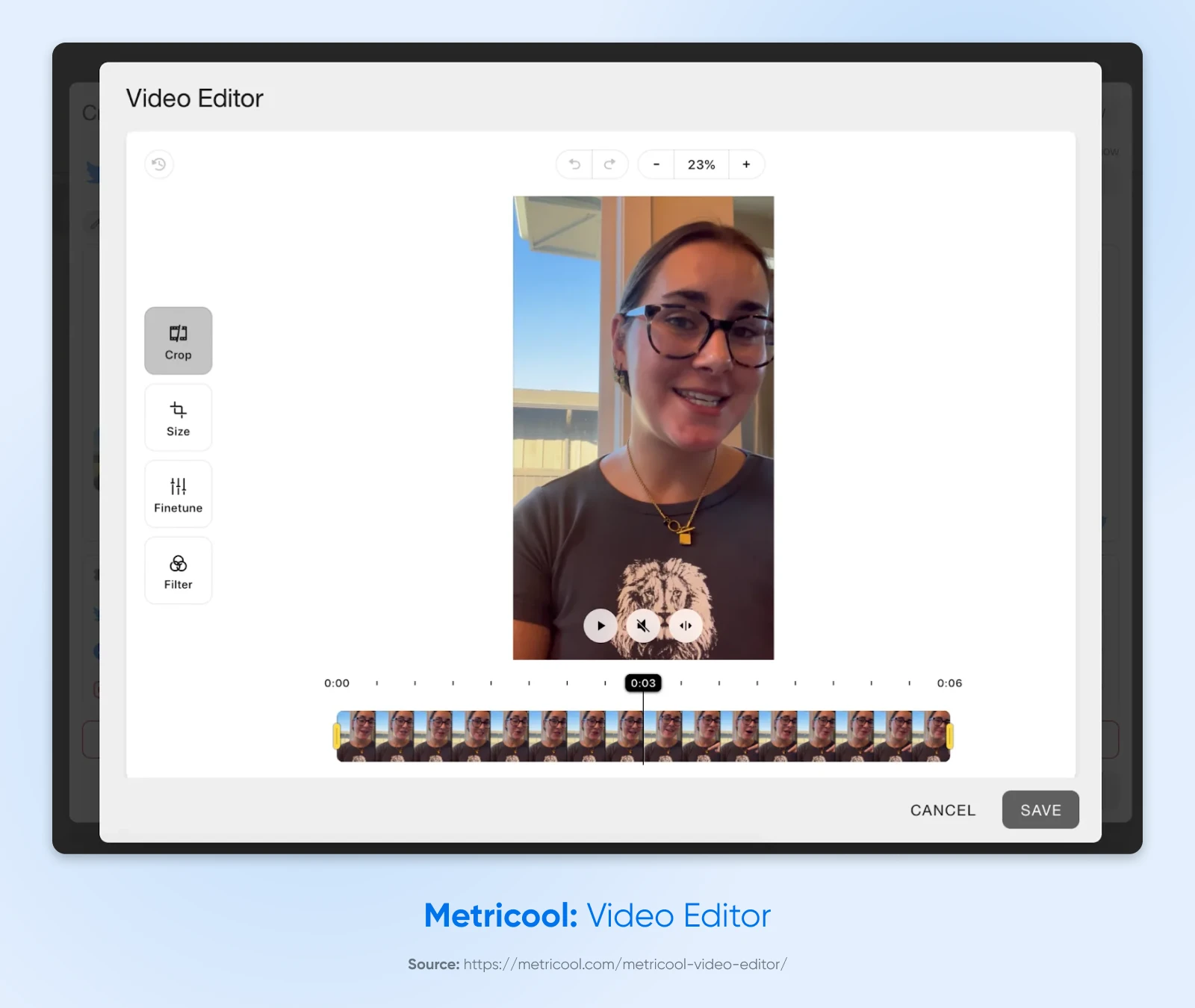
- Media editor: Trim, crop, resize, and fine-tune videos or images right inside Metricool before scheduling — no need for a separate editing app.
Metricool pricing:
There’s a forever-free plan for one brand. Paid plans start at $20 per month billed annually, or $25 month to month (as of August 2026), adding more brands, reports, and features.
9. Buffer: Social Scheduling Made Simple
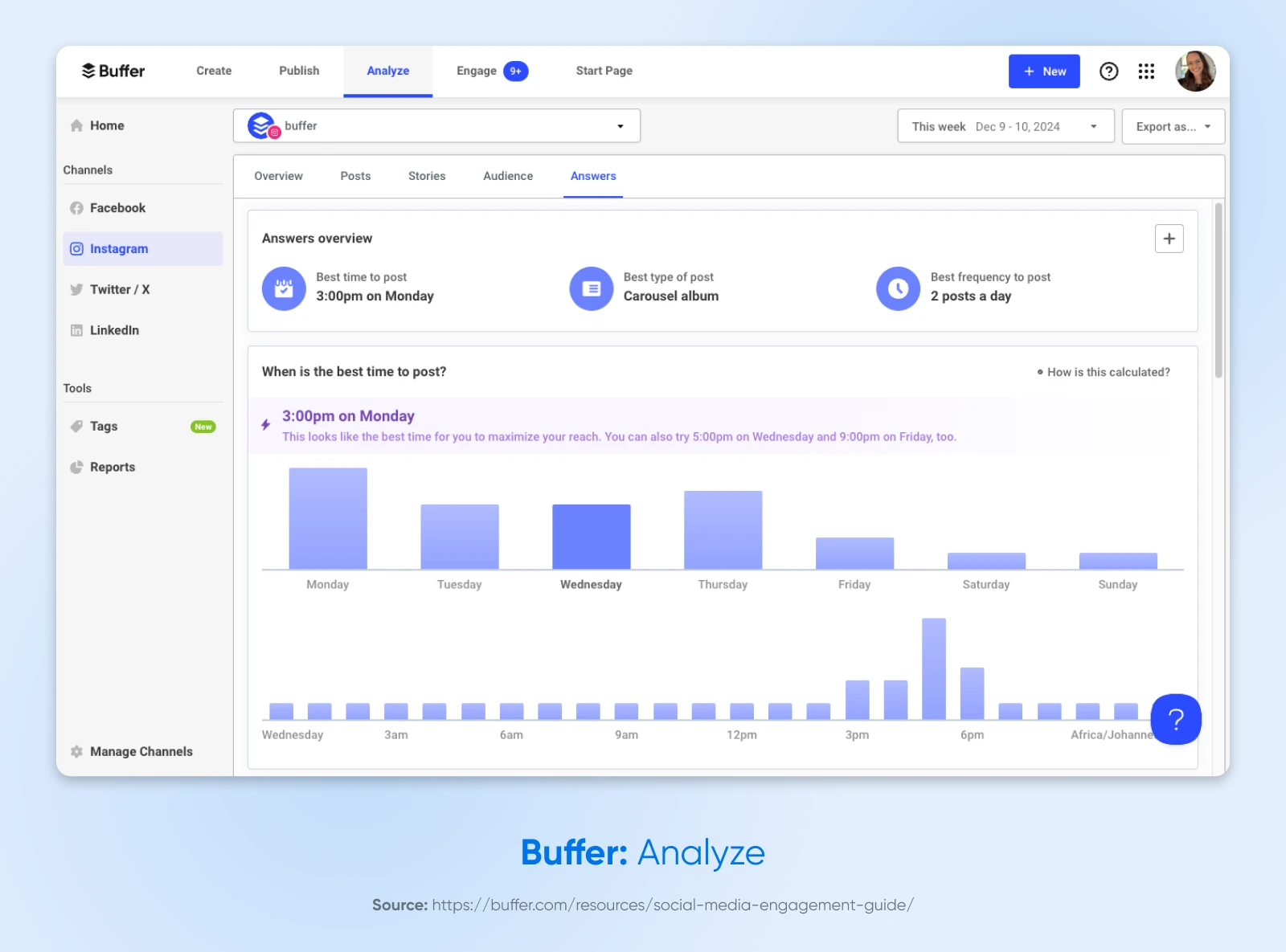
Unlike the feature-rich Metricool, Buffer emphasizes simplicity. You just load up your queue with content, and the app posts to your social profiles at the perfect time.
The usability and pricing of Buffer make this app perfect for solopreneurs, freelancers, and small business owners who want to “set it and forget it.”
Features:
- Content calendar: Visualize your posting schedule in a calendar, and know exactly what’s going out and when.
- Engagement analytics: Measure your likes, shares, and comments, and determine whether your posts are striking a chord with your audience.
- Multi-account management: Manage and schedule the content for multiple social media accounts and channels on one dashboard — Buffer connects to Instagram, Facebook, TikTok, LinkedIn, Threads, Bluesky, YouTube Shorts, Pinterest, Google Business, Mastodon, and X.
Buffer pricing:
Buffer is free to start — no credit card needed, free forever. Current paid plans are listed on Buffer’s pricing page.
10. Canva: Create Visual Content With Ease
Don’t have a graphic designer on your team? No problem.
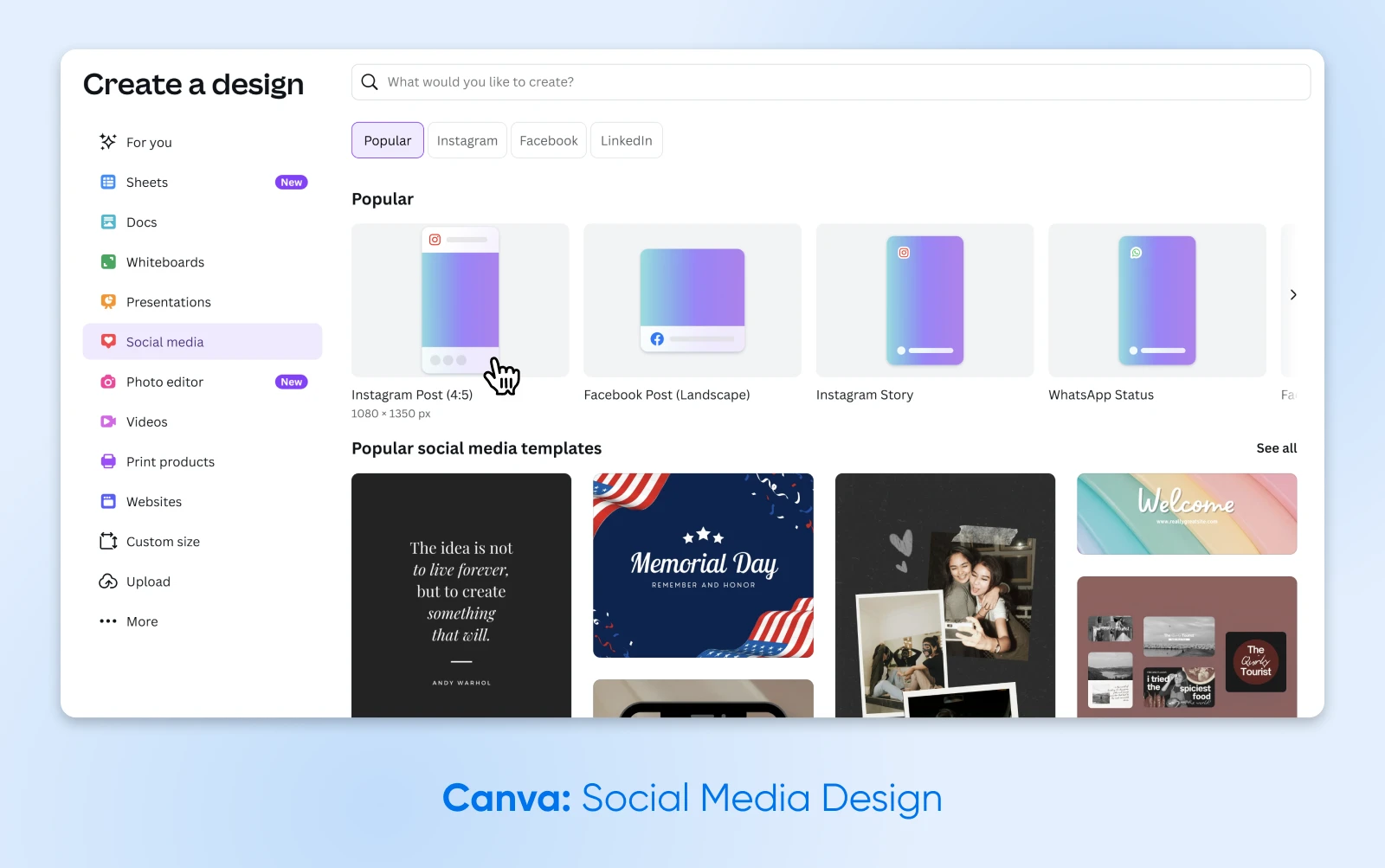
This drag-and-drop design platform comes loaded with templates for everything from social media posts to business cards, so you can create branded materials without starting from scratch.
Features:
- Brand kit: Upload your logo and brand colors once, then apply a consistent look across all your designs.
- Stock photos and graphics: Pull images, icons, and illustrations from Canva’s built-in library instead of paying for separate stock photo subscriptions.
- Template library: Choose from pre-made templates for social posts, flyers, presentations, logos, and more — all sized for their intended use.
Canva pricing:
Canva’s plan lineup and current pricing are listed on its website — check there for the latest, since plans change.
The Best Apps for Automating Key Marketing Tasks
We all know that sending newsletters and running ad campaigns can drive revenue.
That doesn’t make it any easier to squeeze these tasks into your schedule.
The following apps can take some of the workload off your plate.
11. Mailchimp: Powerful Email Marketing Suite
In the jungle that is email marketing, Mailchimp is king of the apes — it bills itself as the #1 email marketing and automation platform, a claim its own fine print bases on December 2023 customer-count data.
This powerful platform lets you build any type of campaign, from weekly newsletters to entire welcome sequences. It even has built-in AI tools to help you craft campaigns for your unique audience.
Features:
- Email marketing: Create and send targeted emails to your most engaged customers, letting them know about upcoming sales or new blog posts.
- Popup forms: Capture new subscribers right on your website — included on every plan, even the free one.
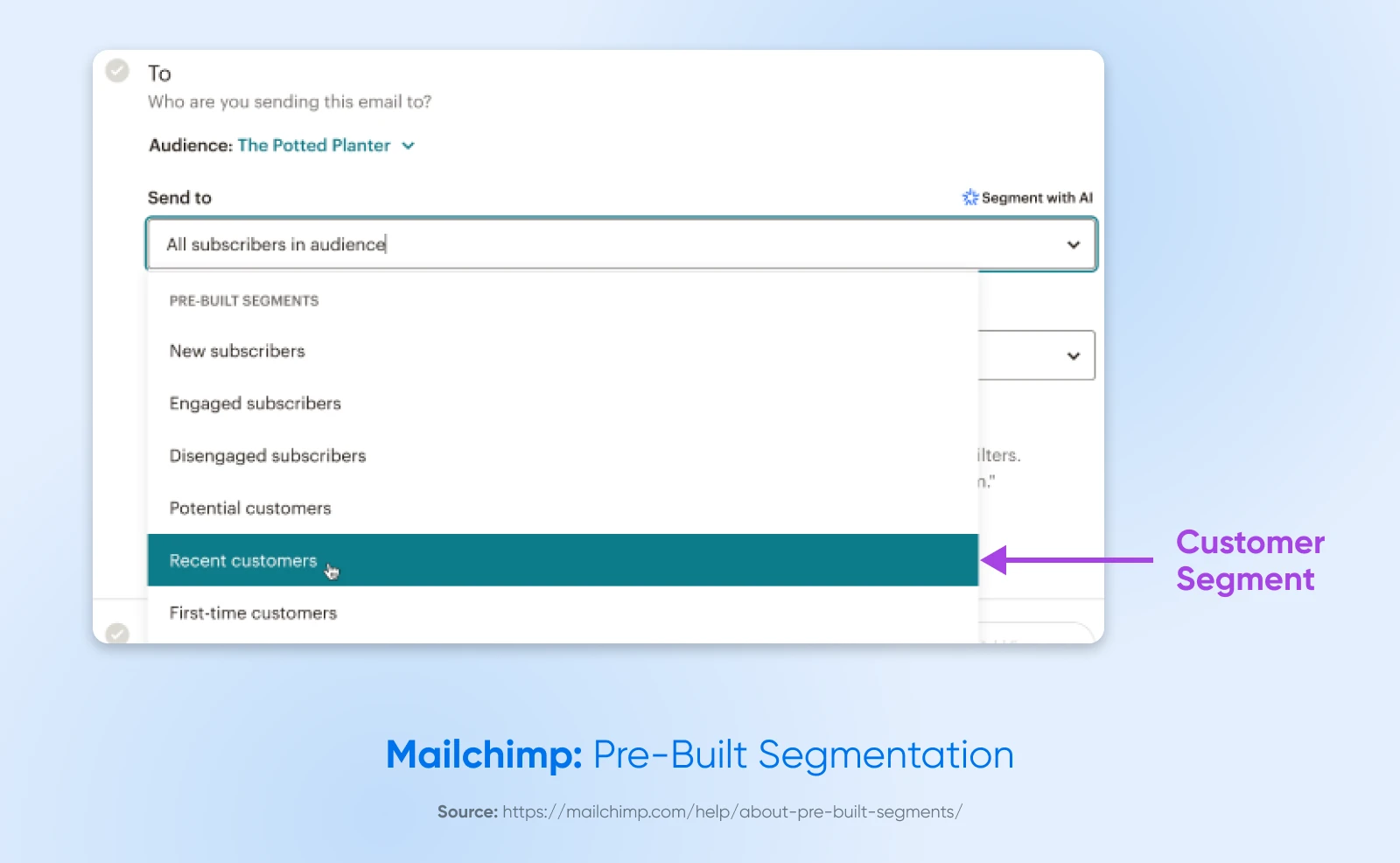
- Customer segmentation: Understand your audience better and segment them so the right people get the right message.
Mailchimp pricing:
Mailchimp’s free plan covers up to 250 contacts, with a cap of 500 email sends per month. The Essentials and Standard plans each come with a 14-day free trial; Standard starts at $20 per month afterward (as of August 2026).
12. HubSpot: The All-in-One Marketing Suite
HubSpot is a collection of tools designed to take the busywork out of core marketing tasks, making it a standout for small business owners wanting to expand their outreach.
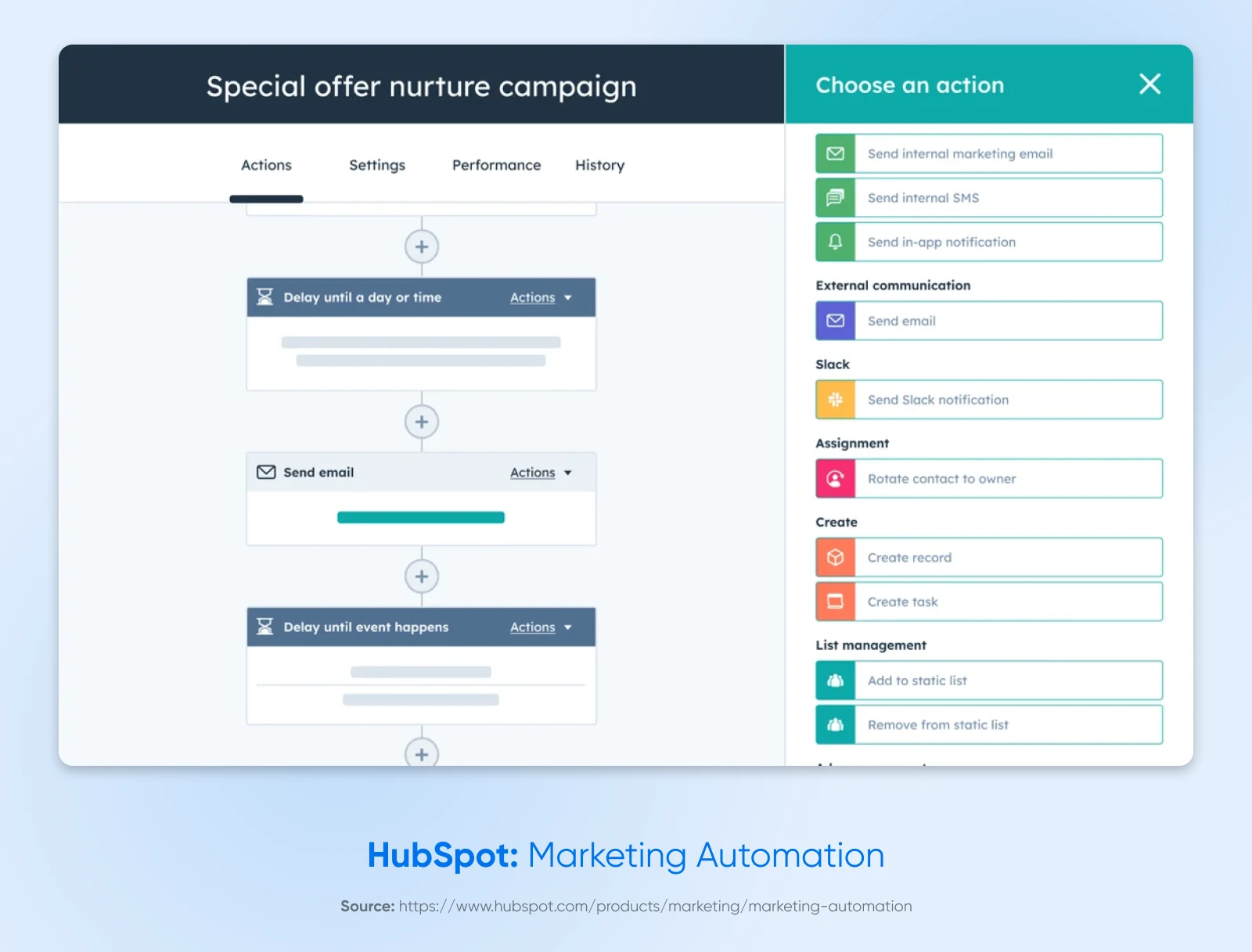
HubSpot’s Marketing Hub facilitates personalized and timely interactions with your audience through a blend of automation features.
Features:
- Segmentation and personalization: Enroll the right contacts in your workflows and personalize emails using data from the built-in CRM.
- Forms and lead capture: Create standalone, embedded, and popup forms to gather the contact details your business needs.
- Automated workflows: Automate what happens after a form is submitted to convert and nurture leads — from simple follow-ups to longer customer journeys.
HubSpot pricing:
HubSpot’s free tools are available as a free edition with up to two free users, so you can take a test drive. Paid Marketing Hub plans are sold per seat, with pricing on HubSpot’s site.
The Best Apps for Keeping Your Team Connected
Poor communication is a problem for many teams, even small ones. Just getting the morning coffee orders right seems impossible on some days.
If you’d like to get your people talking more (and more efficiently), we would highly recommend adopting these apps.
13. Slack: Versatile Real-Time Chat
Slack is effectively a superpowered chat room. Once you create a workspace, you can set up multiple “channels” for individual projects, clients, topics, and so on.
You can also direct-message team members either individually or in groups, create custom tags to ping certain departments, and use collaboration tools within the platform, like checklists or audio and video huddles.
Features:
- Real-time messaging: Slack allows for quick messaging between team members in a shared space, with searchable message history.
- Integration: Slack connects with over 2,600 apps in its App Directory, including Google Drive, Jira, and Salesforce.
- File sharing: Share documents, files, and images directly in the chat.
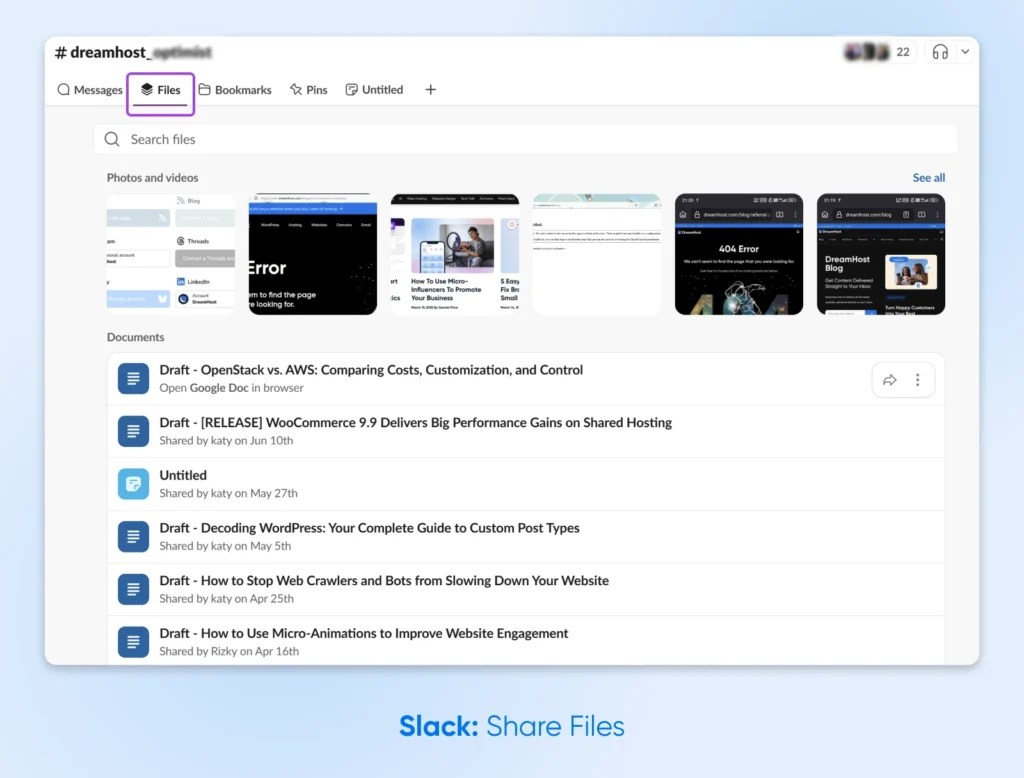
Slack pricing:
Slack’s free plan keeps 90 days of message history. The Pro plan is $7.25 per user per month billed annually, or $8.75 billed monthly (as of August 2026).
14. Microsoft Teams: Best for Video Meetings
If you’re already using Microsoft 365 for admin, you might prefer to use Microsoft Teams as your primary collaboration tool.
Along with tight Microsoft 365 integration, you get strong video and conference call features — useful if you host a lot of remote meetings.
Features:
- Real-time collaboration: Teams syncs with other Microsoft 365 apps so you can edit your Word or Excel files in real time with other project members.
- Slash commands: Use command shortcuts to work faster and more efficiently.
- Video conferencing: Built-in video meetings make Teams a natural pick for teams that spend a lot of time on calls.
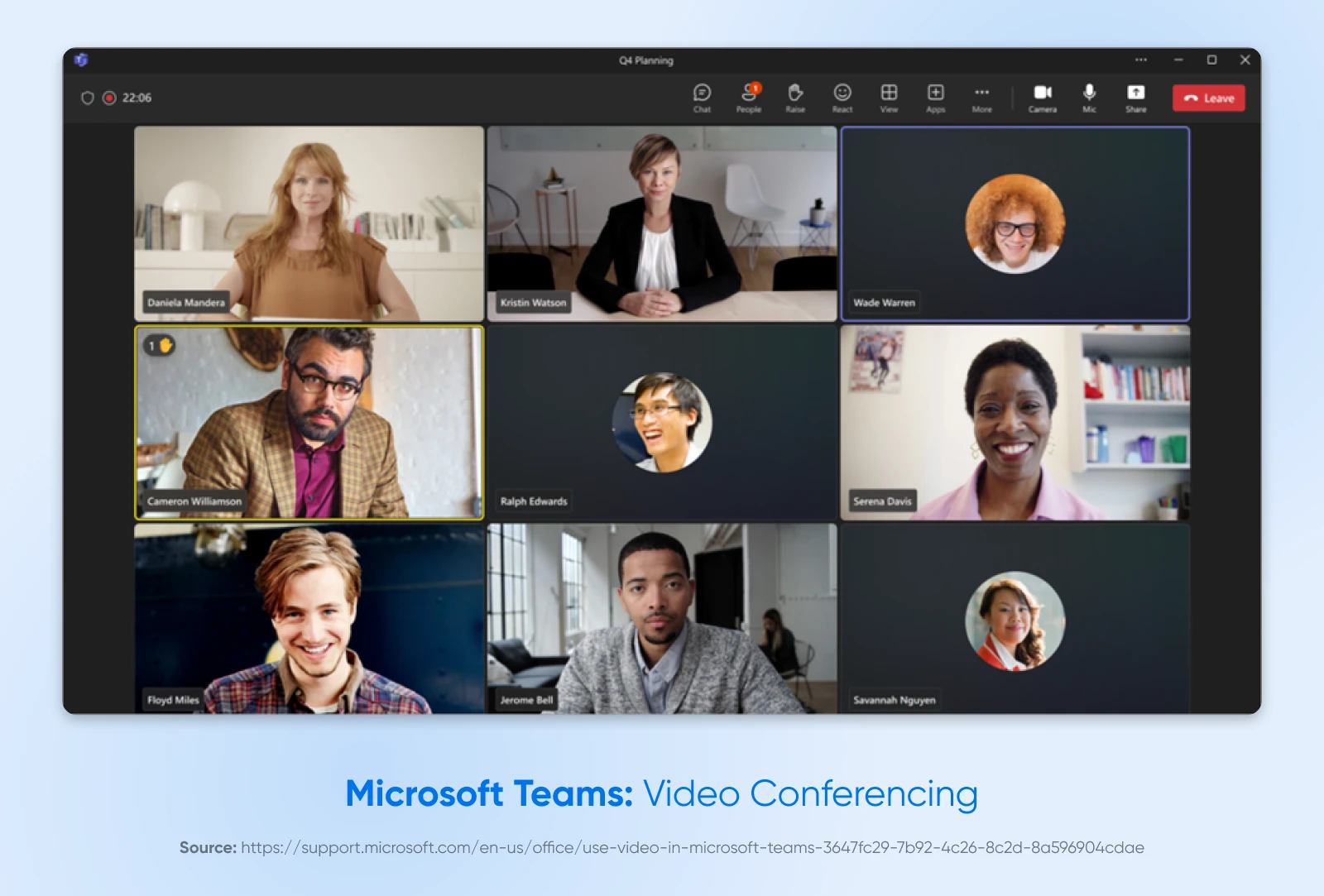
Microsoft Teams pricing:
Microsoft lists current Teams plans and pricing on its plan comparison page — check there for the latest, since options vary by Microsoft 365 bundle.
Apps on the Rise
Not every great business app comes with a big-name reputation — at least not yet. These up-and-comers (or under-the-radar standbys) have been gaining traction for good reason. If you’re building out your toolkit, keep an eye on these.
- Zoho Books: An easy-to-use accounting tool with a genuinely free plan for solopreneurs and micro businesses. Paid plans start at $15 per organization per month billed annually (as of August 2026), covering invoicing, expense and bill tracking, inventory, projects, and multi-currency transactions.
- Stripe: A flexible payment platform built for online sales and subscription billing via Stripe Billing. It supports 135+ currencies and payment methods and includes fraud prevention tools (Radar).
- Zapier: Automation software that connects your favorite apps — over 9,000 of them. Set up workflows (“Zaps”) to automate repetitive tasks like copying form responses into your CRM or sending alerts to Slack.
How To Build Your Small Business Toolbox
Wow, that’s a lot of options to choose from.
It almost feels like too many. You probably don’t have time to sample them all, and you certainly don’t have the resources for 14 new subscriptions.
Don’t worry, we’ve got you covered. Here are some ready-made choices, sorted by team size.
| Business Need | Solopreneur | Small Team (2–5) | Growing Team (5+) |
| Accounting | FreshBooks | QuickBooks | QuickBooks |
| Project Management | Trello | Asana | Asana |
| Team Communication | (Email is often enough) | Slack | Slack or Microsoft Teams |
| Getting Paid | Square / PayPal | Square / PayPal | Square / PayPal |
| Social Media | Buffer / Canva | Buffer / Metricool | Metricool / HubSpot |
| Marketing Automation | Mailchimp | Mailchimp | HubSpot |
Of course, your choice will partly depend on the specific needs of your team.
Already perfected communication? You won’t need Slack or Teams. Likewise, if your bookkeeper is handling the accounts, you won’t need to adopt a new platform.
Pricing is also a factor. In the table above, the selections reflect the fact that smaller teams usually have smaller budgets.
If you’re just starting out, free apps can take you far. However, if your business is growing rapidly, it’s worth investing in tools that can grow with you.
A website can give customers a central place to learn about your business and find your key links. If you need one, DreamHost web hosting includes a free handcrafted starter website built by real humans on every plan, plus professional email at your domain free for 3 months. Every DreamHost customer also gets the AI-powered Business Planner and Business Advisor tools at no extra cost — two more additions to the toolbox that don’t add a subscription.
Small Business App FAQs
What is the best app to use for a small business?
The best small business app is the one that removes your biggest bottleneck. For most small businesses, that means QuickBooks for accounting, Asana or Trello for project management, Square for payments, and Slack for team communication. Start with whichever category eats the most of your week, then add tools one at a time.
What is the best free app to manage a small business?
You can run a surprising amount of a small business on free tiers. Trello is free for up to 10 collaborators per workspace, Slack’s free plan keeps 90 days of message history, Metricool’s free plan covers one brand, Mailchimp is free for up to 250 contacts, and Zoho Books has a free plan for solopreneurs and micro businesses. There’s no single “best” — combine the free tiers that match your gaps.
What payment app should I use for my small business?
Use Square if you sell in person: the free plan has no monthly subscription, and in-person card payments cost 2.6% + 15¢ per transaction (as of August 2026). Use PayPal if you sell online to international customers — PayPal Checkout costs 3.49% plus a fixed fee per US domestic transaction, with an extra 1.50% on international payments. Plenty of businesses run both.
What are good apps for starting a small business?
Start free wherever you can: Trello’s free plan for planning, Square’s free plan for payments, Mailchimp’s free plan for your first email list, and a design tool like Canva for branding. If you host your website with DreamHost, the Business Planner and Business Advisor AI tools are included with any plan at no extra cost — helpful for turning an idea into an actual business plan.
Do you need all 14 of these apps?
No. Most small businesses do fine with 3–5 well-chosen tools: one for money, one for tasks, one for communication, and one or two for marketing. Adding apps you don’t need creates its own busywork — pick per problem, not per list.