Easily Migrate Your WordPress Site
Migrate to DreamHost and enjoy world-class speed, rock-solid security, and peace of mind— powered by over 20 years of WordPress expertise.
- 24/7 Expert Support
- Zero-Risk, Money-Back Guarantee
- Extreme Speed & Guaranteed Uptime

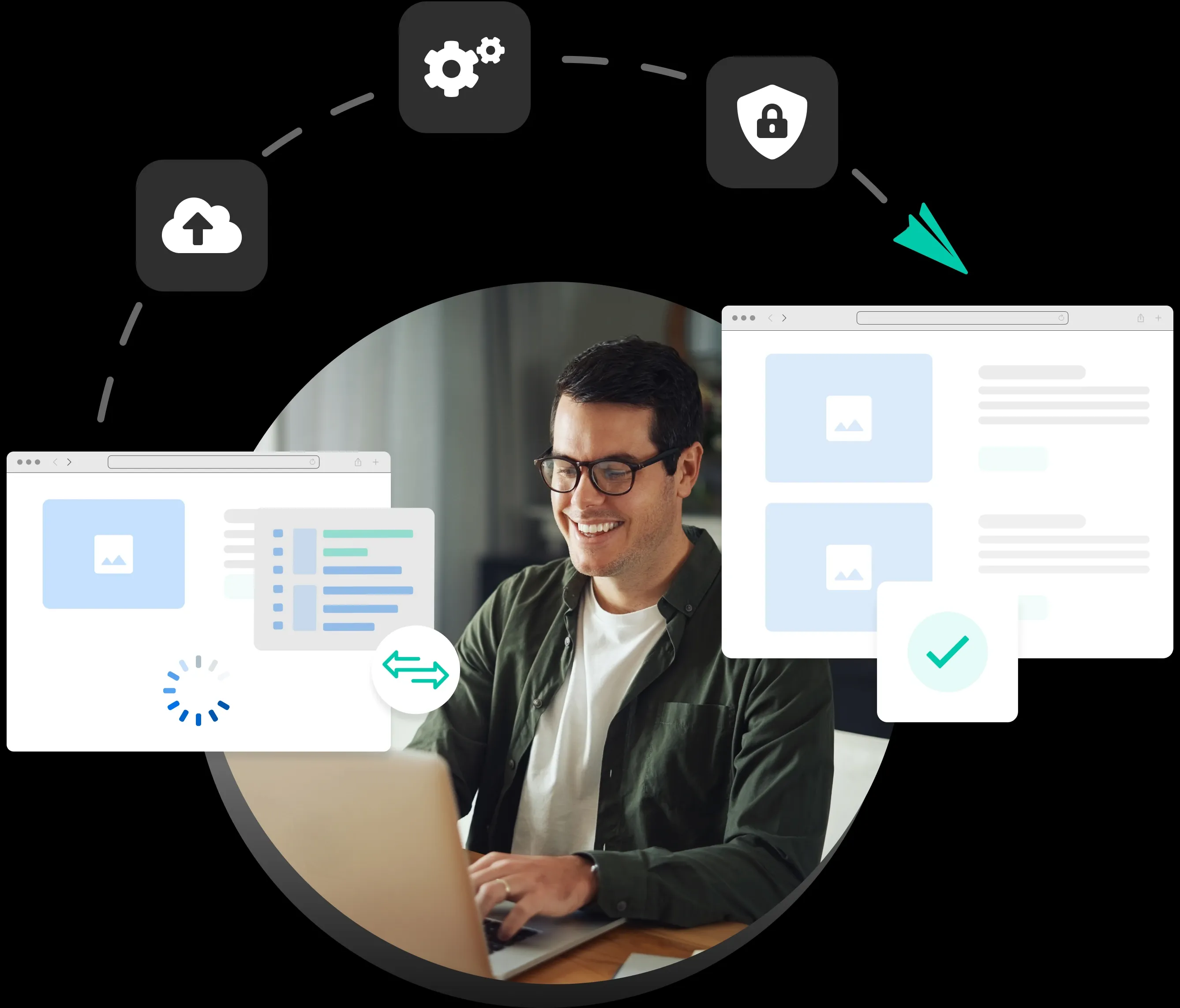
Fast and Easy Migration Options
Sign up for a hosting plan and select the best migration option for you!
Migrate Myself
Automated WordPress MigrationUse our WordPress plugin for a quick and effortless migration.
Migrate For Me
Professional Site MigrationLeave the entire process to our experts for a completely hands-off migration experience.
Why Move to DreamHost?
Proud to Power WordPress Websites
Trusted by WordPress users for over 20 years, DreamHost delivers hosting built for performance, reliability, and ease. Whether you're launching your first site or managing multiple high-traffic projects, our WordPress plans—from standard hosting to high-performance—provide a platform optimized for speed, security, and expert-managed support. Move your site to hosting made by people who know WordPress inside and out.


Extreme Speed & Guaranteed Uptime
Experience WordPress hosting built for performance and reliability. DreamPress runs on next-generation infrastructure with NGINX caching and global Bunny CDN integration to deliver lightning-fast load times—no matter where your visitors are. Every site is continuously monitored and protected by redundant systems and Failover Protection that switches to a live backup if something goes wrong—keeping your site fast, secure, and always online.

24/7 Expert Support
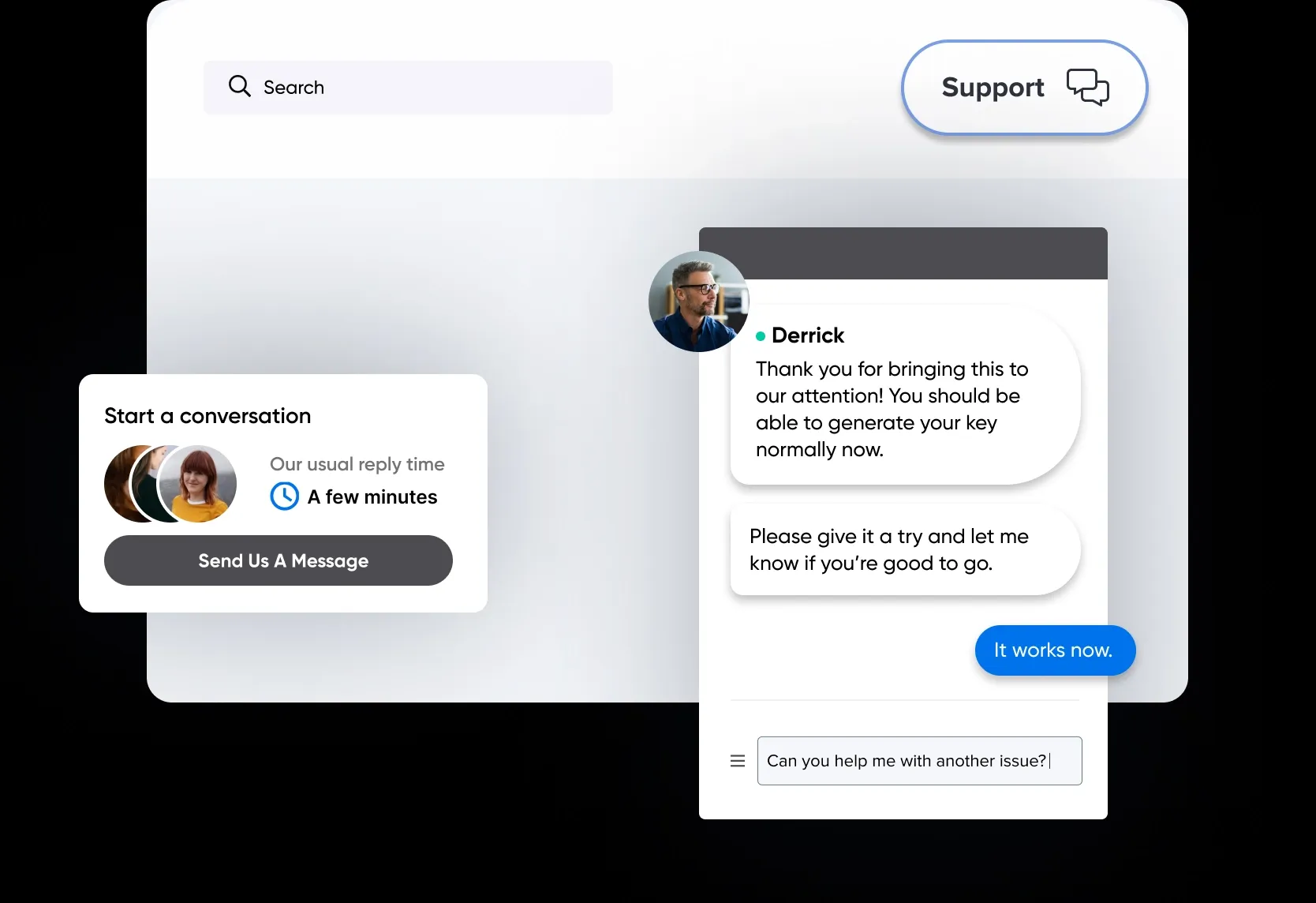
We’ve got an expert in-house squad standing by to tackle your most challenging WordPress questions and optimize your site experience. Whether you get in touch with our support team or read our knowledge base articles, getting answers is easy.

Ready to Make the Switch?
To get started on your migration, choose your hosting solution.

Money Back Guarantee
While we believe you’ll fall in love with what we do, we understand if things just don’t work out for you. If so, you can request a prompt refund within the cancellation window. That’s our money-back guarantee.
What do our customers say?
Trusted by Millions of People & Businesses
Frequently Asked Questions
- Manually migrate your non-WordPress site by backing up your website files and uploading them to DreamHost. You can learn more about this here.
- Hire our Pro Services to help migrate your site! Please note that sites built with proprietary site builders (e.g., Wix, Weebly, or Squarespace) and Windows Server-based "Active Server Pages" (ASP) websites may incur additional fees for site migration. If you have any questions, schedule a free consultation with us.
While most migrations using the Automated Migration plugin take under an hour to complete, larger or more complex sites may require more than an hour.
The Professional Site Migration included free with DreamPress takes one business day to migrate your site and Standard Professional Site Migration takes three business days.
After purchasing a DreamPress plan, visit the migration dashboard in your account panel, and from there you can select your free professional site migration.
Yes! With a DreamPress plan, you may choose to use the plugin or take advantage of the free professional site migration.
You won’t experience any downtime while migrating to us. No matter what migration methods you choose, make sure the site is fully migrated before DNS is pointed over to DreamHost.
Whether you choose to migrate yourself with the automated plugin or use our professional migration service, we provide guidance for how to handle your DNS to prevent or minimize any potential downtime.
We have two options for non-WordPress sites: